Introduction
When was the last time you clicked on a business profile that had no photos? Most likely, never. Photos play a huge role in building trust online. For small businesses in India, a well-optimized Google Business Profile with attractive, up-to-date photos can be the difference between a customer walking in or scrolling past.
Visual content speaks louder than words. In fact, profiles with photos get more clicks, direction requests, and calls compared to those without. That means if you are running a local shop, salon, café, tuition center, or service business, posting high-quality photos is one of the simplest and most powerful ways to increase your visibility.
Platforms like LocalShouts (https://www.localshouts.com) make it easy for businesses to manage their photos and keep their profile fresh.
The Power of Photos for Small Businesses
First Impressions Matter
- When someone searches for your business, the first thing they notice is your cover photo or profile picture. A clear, professional-looking image immediately signals credibility.
Builds Trust Instantly
- Seeing real photos of your shop, team, and products assures customers that you are a legitimate business—not just a name on Google.
- Tells Your Story Visually, photos can showcase your brand personality. Whether it’s the warm lighting of your café, the clean environment of your clinic, or the happy faces of your staff, images help people feel connected.
Improves Click-Through Rates
- Google reports that businesses with photos get 35% more clicks to their websites and 42% more requests for directions.
Boosts Local SEO
- Regularly updating your profile with new photos signals to Google that your business is active, which can improve your local ranking.
What Types of Photos You Should Upload
Exterior Photos
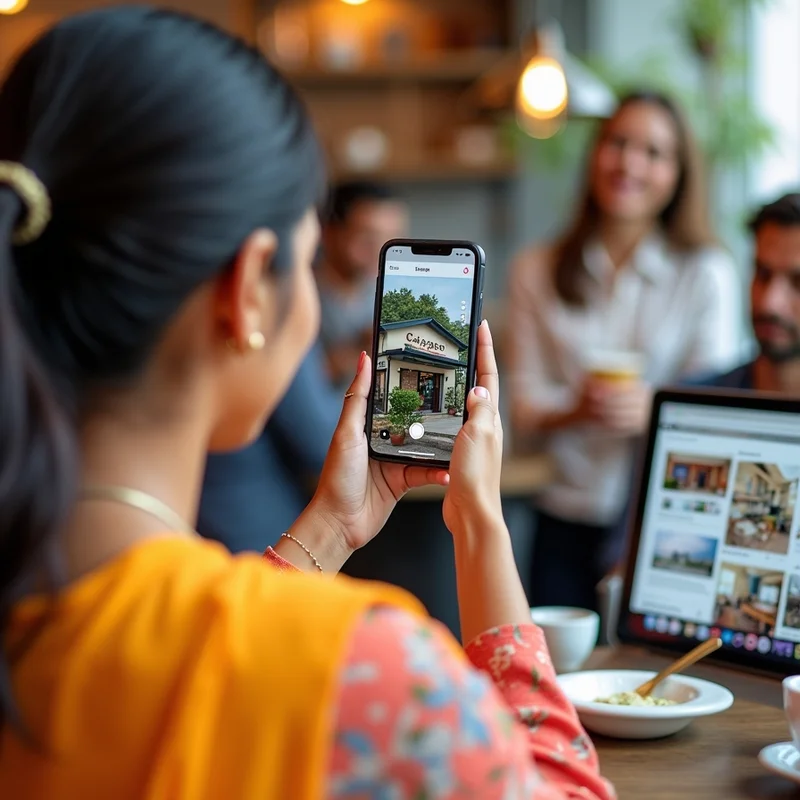
- Show your shopfront or building entrance. This helps customers recognize your location when they visit.
Interior Photos
- Give a glimpse of the ambiance inside your business. For example, a restaurant can show its seating area, a salon can display its clean setup, and a gym can highlight its equipment.
Team Photos
- Introduce your staff with friendly group photos. People prefer doing business with real, approachable faces.
Product Photos:
- Showcase your best-selling products or popular services. High-quality product images can encourage purchases.
Event & Seasonal Photos
- If you decorate your store for Diwali or host a special event, capture and upload those moments. They keep your profile lively and current.
Customer Moments (With Permission)
- Sharing happy customer moments (with their consent) creates social proof and encourages others to visit.
How to Take Great Photos Without Expensive Equipment
- Use Natural Light: Photos taken during the day look bright and inviting.
- Keep It Clean: Make sure your surroundings look neat before snapping pictures.
- Focus on Clarity: Avoid blurry or pixelated images.
- Show Realness: Don’t over-edit. Authentic photos perform better than stock images.
- Use Your Smartphone: Most modern phones have excellent cameras—no need for a professional shoot to start.
How Often Should You Update Photos?
Updating your photos regularly is key to staying relevant. Aim to:
- Add new photos at least once a month.
- Update seasonal images (festivals, events, and offers).
- Replace outdated photos when your interior, exterior, or branding changes.
LocalShouts (https://www.localshouts.com) can help you schedule reminders to upload new photos, ensuring your business stays fresh online.
Common Mistakes to Avoid
- Uploading Low-Quality Photos: Poor images can hurt rather than help your reputation.
- Using Stock Images: Customers want to see your real business, not generic pictures.
- Forgetting to Geotag: Photos uploaded directly through Google’s Business Profile automatically include location data—which helps with local SEO.
- Not Showing Your Team or Customers: Human presence makes profiles more engaging.
Conclusion:
Photos aren’t just decoration—they’re a key part of your marketing strategy. By consistently uploading high-quality, authentic images, you can dramatically increase engagement, build trust, and attract more customers.
Make it a habit to take and upload fresh photos regularly. Over time, you’ll notice more calls, more visits, and more sales coming through Google Search and Maps.
If you want an easier way to manage your online presence, LocalShouts (https://www.localshouts.com) provides tools to organize your photos and keep your Google Business Profile updated effortlessly.
FAQs
How many photos should I upload to my Google Business Profile?
- Start with at least 8–10 high-quality photos, including exterior, interior, and product images. Add more overtime to keep your profile updated.
Do photos really help with ranking on Google?
- Yes. While photos alone won’t rank you #1, they improve engagement signals like clicks and direction requests, which indirectly boost your local SEO.
Can I use professional photography?
- Absolutely! Professional photos can enhance your profile, but even well-lit smartphone photos can work if done properly.
What image format does Google recommend?
- JPEG or PNG format, with a resolution of at least 720×720 pixels, works best.
Should I add my logo as a profile photo?
- Yes, using your logo as your profile picture makes your business easily recognizable.
How quickly do new photos appear on Google?
- Usually within a few minutes to a few hours after uploading.