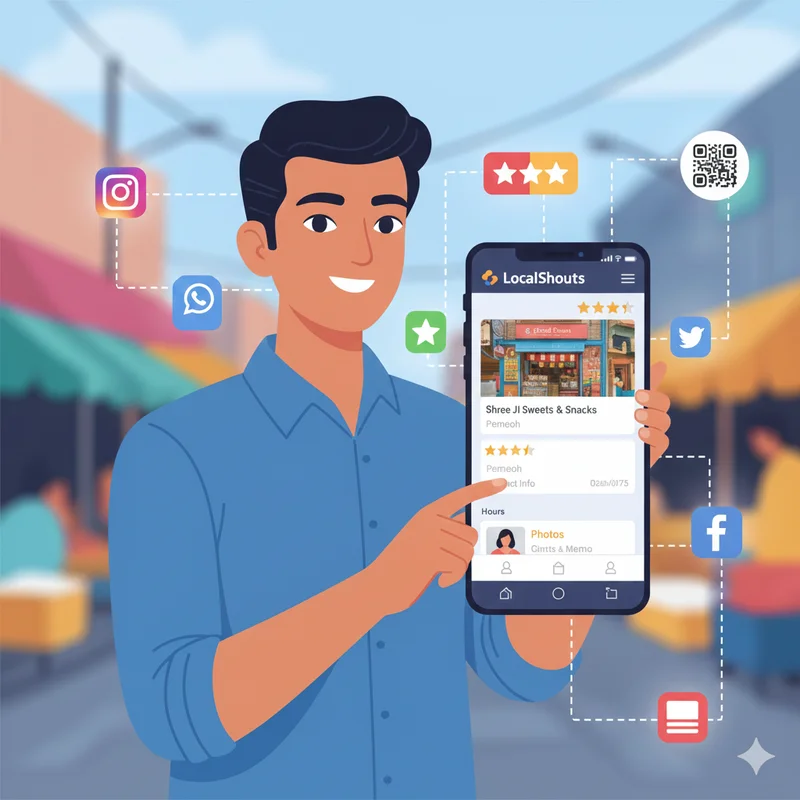
Introduction: Connect Where Your Customers Already Are
In India, more than 500 million people use WhatsApp and over 250 million are active on Instagram. For small and micro businesses, these platforms are not just for chatting or sharing photos, they're powerful tools for marketing, customer communication, and brand growth.
But here’s a question: when people see your profile, can they instantly find your business details, location, and contact info?
If not, you’re missing a huge opportunity.
That’s exactly why LocalShouts (https://www.localshouts.com) exists to give your business a professional digital identity you can easily share on platforms like WhatsApp and Instagram.
In this guide, you’ll learn how to add your LocalShouts link to your WhatsApp and Instagram bio step by step so you can turn casual interactions into real customers effortlessly.
Why Linking Your LocalShouts Profile Matters
Before diving into the how-to, let’s understand the why.
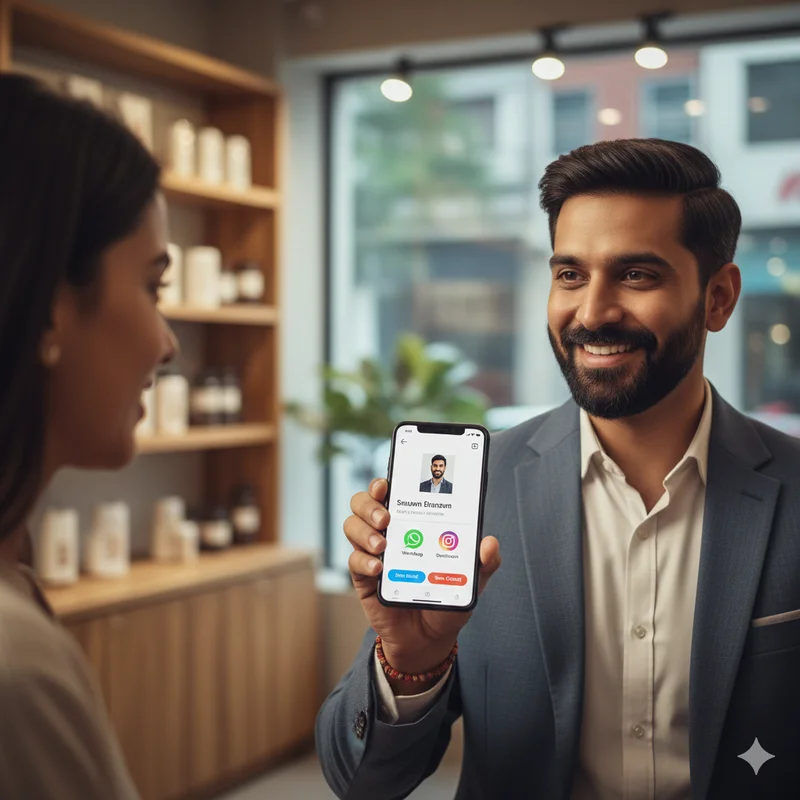
When customers visit your WhatsApp or Instagram profile, they’re curious to know more about your business. They want to see what you sell, where you’re located, and how to contact you — without having to message you first.
By adding your LocalShouts link to your bio, you give them everything they need in one click:
✅ Your products or services
✅ Your contact number and WhatsApp chat button
✅ Your Google Map location
✅ Your customer reviews
✅ Your photos, videos, and brand story
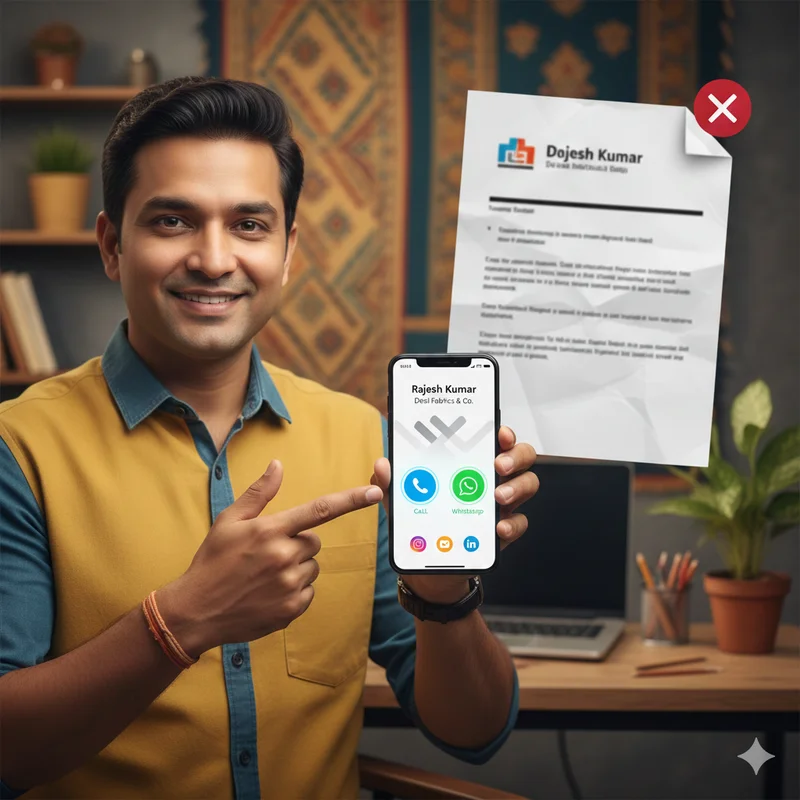
It’s like having a mini-website inside your WhatsApp and Instagram, customized for your business.
This makes you look professional, saves time answering repeated questions, and helps you close sales faster.
Step-by-Step: How to Add Your LocalShouts Link to WhatsApp
Your WhatsApp profile is often the first touchpoint between you and your customers — especially if you run a small business, home service, or shop. Here’s how to make the most of it.
Step 1: Copy Your LocalShouts Link
- Visit LocalShouts.com and log in to your account.
- Open your profile or digital card.
- Copy your unique link it usually looks like this:
- https://www.localshouts.com/yourbusinessname
This is your digital identity; you'll use it wherever customers can find you.
Step 2: Open WhatsApp Business or Regular WhatsApp
If you haven’t already, consider switching to WhatsApp Business, which allows you to:
- Add a business description
- Display your opening hours
- Create product catalogs
- Include your LocalShouts link in your profile
It’s free and designed for small businesses.
Step 3: Go to Settings
- Open WhatsApp.
- Tap the three dots (⋮) on the top-right corner.
- Select Settings → Business tools → Business profile (for WhatsApp Business).
- Or if you’re using regular WhatsApp, go to Settings → Profile.
Step 4: Paste Your LocalShouts Link
You can add your link in two ways:
Option A: In the “About” or “Description” section
- Paste your LocalShouts link and maybe add a short call-to-action like:
- “See my products and reviews 👇”
- or
- “Tap here to know more about us: [Your LocalShouts link]”
Option B: As a Clickable Website Link (WhatsApp Business only)
- Scroll to the Website field in your business profile.
- Paste your LocalShouts link there.
- Save the changes.
Now, anyone who clicks your profile will see your business link clearly.
Step 5: Share Your LocalShouts Link in Chats
Take it one step further — include your LocalShouts link in:
- Your auto-reply messages (“Thank you for contacting us! Learn more here: [link]”)
- Broadcast messages or promotional texts
- Group descriptions (if you run community or product groups)
This ensures every new or existing contact can easily access your business information anytime.
Step-by-Step: How to Add Your LocalShouts Link to Instagram
Instagram is a visual platform — perfect for showing your products, services, or success stories. But with so much competition, your bio link is your golden opportunity to drive traffic and sales.
Here’s how to use it smartly.
Step 1: Get Your LocalShouts Link
As before, copy your link from LocalShouts.com.
It should look something like:
https://www.localshouts.com/yourshopname
Step 2: Open Your Instagram Profile
- Open the Instagram app.
- Tap your profile icon in the bottom right corner.
- Tap Edit Profile.
Step 3: Add Your Link in the “Website” Field
You’ll see a section labeled “Website.”
Paste your LocalShouts link there.
Example:
Website: https://www.localshouts.com/fashionbymeena
This makes your link clickable directly from your Instagram bio.
Step 4: Write a Catchy Bio with a Call-to-Action
Instagram bios have limited space, so make it count!
Try something short, catchy, and direct.
Examples:
- ✨ Handmade jewelry crafted with love 💎
- 👉 Explore our designs here 👇
- ☕ Freshly brewed coffee, everyday!
- 📍Find us at: [LocalShouts link]
- 💇♀️ Transforming looks since 2019
- 🔗 Book your appointment below
Your LocalShouts link will appear right under this section ready for clicks!
Step 5: Add to Instagram Stories & Highlights
You can also promote your LocalShouts link in:
- Stories – Add a “Link” sticker with your LocalShouts URL.
- Highlights – Create one named “About Us” or “Shop” and include your link there.
That way, even new visitors who view your profile later can easily access your digital card.
Smart Tips to Maximize Engagement
Adding your link is just the start. Here’s how to use your LocalShouts profile to get more views, clicks, and customers:
1. Create a Branded Link Name
If possible, customize your LocalShouts URL to include your brand name (for example: /delightcakes or /riyasalon).
It looks cleaner and is easier to remember.
2. Use a Short, Clear Call-to-Action
Instead of just posting the link, add text like:
- “View our products here 👇”
- “Book now through our digital card”
- “Learn more about our services”
This increases click-through rates.
3. Update Regularly
If you change your working hours, contact number, or add new services, update your LocalShouts profile right away.
Since it’s digital, updates appear instantly — no printing or re-sharing needed.
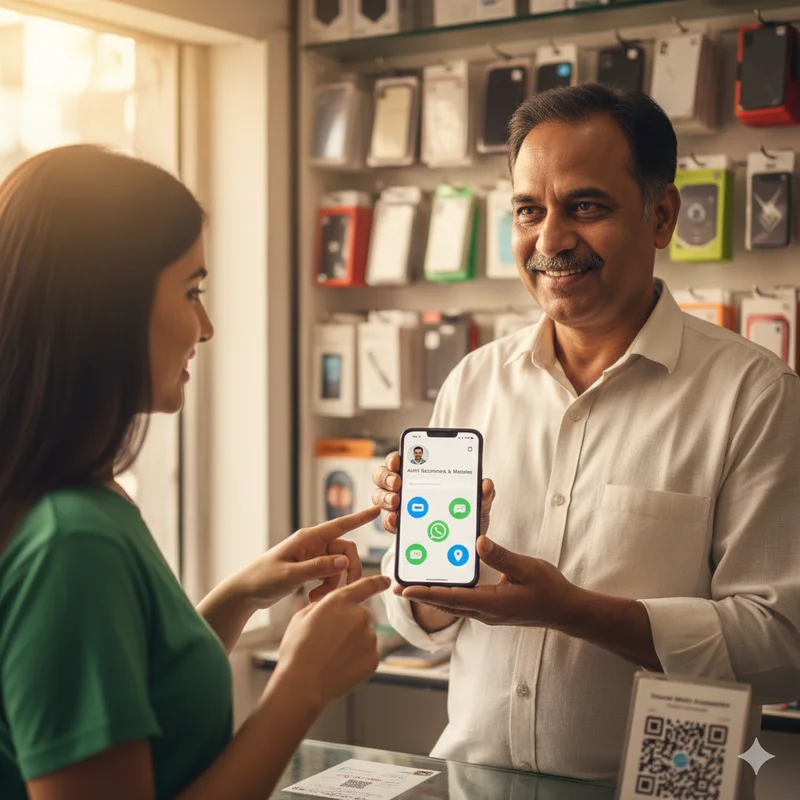
4. Add Your QR Code Everywhere
LocalShouts provides a QR code for your profile. Print it on:
- Packaging and receipts
- Shop banners
- Business cards
- Flyers or brochures
Customers can scan it and instantly view your profile even offline.
5. Combine with WhatsApp Broadcasts
Whenever you launch a new offer, send a broadcast message with your LocalShouts link.
Example:
“🎉 New arrivals are now available! Check them out here 👉 [Your LocalShouts link]”
It’s a simple way to drive traffic and sales.
Why LocalShouts Works So Well with WhatsApp and Instagram
Both WhatsApp and Instagram are personal, interactive platforms where users already spend hours daily. When you combine that with your LocalShouts digital card, you’re meeting customers exactly where they are.
Here’s what makes this combination unbeatable:
WhatsApp + LocalShouts vs. Instagram + LocalShouts
WhatsApp paired with LocalShouts excels at direct customer communication, offering instant chats through a contact button and easy sharing in groups. Instagram with LocalShouts focuses more on brand presentation and discovery, using visual storytelling and hashtag-based searchability. Both platforms support strong conversion actions, like click-to-call, booking, or purchasing via links, and both are free to use.
This is digital marketing made simple — no ads, no complex setup, no middlemen.
Common Mistakes to Avoid
While adding your LocalShouts link is easy, make sure to avoid these mistakes:
- Using long, messy URLs — Always copy your clean, official LocalShouts link.
- Not updating contact details — Outdated info can make you lose leads.
- Ignoring bio text — Don’t just paste the link; add a short message or emoji.
- Hiding links deep in stories — Keep your link visible in your bio at all times.
- Not checking how it looks on mobile — Always preview your profile to ensure links open correctly.
Real-World Example
Let’s look at Ravi Electronics, a small appliance repair shop in Lucknow.
Ravi created his LocalShouts page showing his services, contact number, and Google Map pin. He then added his link to his WhatsApp Business profile and Instagram bio.
Within a month:
- Customers stopped asking for his location — they just clicked his link.
- New customers found him via Instagram hashtags and reached out through WhatsApp.
- His LocalShouts page started getting reviews, boosting trust.
The best part? He didn’t spend a single rupee on advertising.
Just a smart link and good presentation — that’s the power of LocalShouts.
Why LocalShouts Is Perfect for Indian Small Businesses
- Mobile-first design: Works smoothly on any smartphone.
- Supports low internet speeds: Optimized for rural and semi-urban India.
- Language-friendly: Simple English interface that anyone can use.
- Affordable: No website fees or design costs.
- Trusted and professional: Makes even small businesses look big online.
Whether you’re a local vendor, salon owner, tiffin service, or freelancer, LocalShouts helps you look credible and connected instantly.
Beyond WhatsApp and Instagram — Other Smart Uses
Once you’ve added your link to WhatsApp and Instagram, try using it in:
- Facebook About section
- Google My Business description
- Email signatures
- Printed posters or menus
- YouTube video descriptions
The more places your link appears, the higher your visibility and customer engagement.
Conclusion: One Link, Endless Possibilities
Gone are the days when customers had to search multiple platforms to find your business.
With a single LocalShouts link, you can give them everything: products, reviews, contact, location, and offers in just one tap.
By adding your LocalShouts link to WhatsApp and Instagram, you’re not just sharing your business, you're showcasing your brand professionally and building instant trust.
So go ahead, log in to LocalShouts.com, copy your link, and add it to your bios today. Every profile view could become your next loyal customer.
FAQs
1. What is a LocalShouts link?
It’s your personalized digital business card link that contains your contact details, location, reviews, and photos all in one place.
2. Can I add my LocalShouts link to both WhatsApp and Instagram?
Yes! In fact, it’s recommended to add it on both platforms for maximum visibility and customer reach.
3. Is it free to create a LocalShouts link?
Yes, LocalShouts offers a free version for all businesses. You can also explore premium options for advanced features.
4. Can I update my LocalShouts link anytime?
Absolutely. You can edit your details instantly with no reprinting, no extra cost.
5. What if my customers don’t have Instagram?
No problem. You can share your LocalShouts link directly via WhatsApp, SMS, or even as a QR code on your store signboard.
6. How does this help with marketing?
Adding your LocalShouts link to WhatsApp and Instagram turns your social presence into a business funnel helping you attract, inform, and convert customers more efficiently.