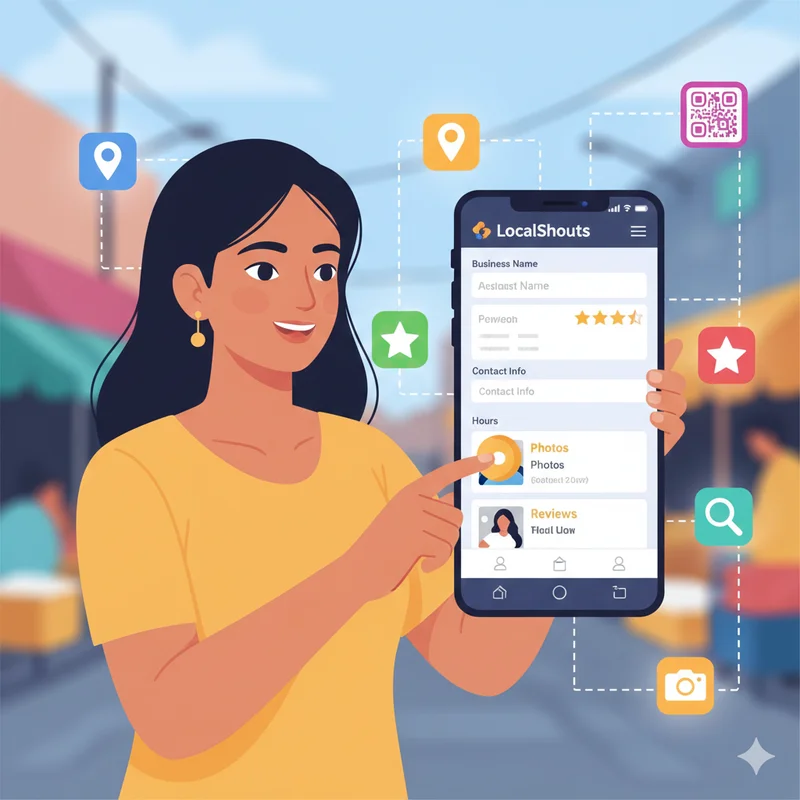
Introduction: The Power of First Impressions in the Digital Age
In our fast-paced electronic world, a first impression typically transpires online. Whether you own a shop, provide services, are a freelancer, or launch a startup, your customers probably found you through an internet search, via WhatsApp or social media. And this is where LocalShouts (https://www.localshouts.com) can help — by creating a small business digital identity that is modern, personable and professional.
A LocalShouts digital card is not simply a hold a contact page. It is a representation of your business journey, an indication of credibility, and a virtual handshake. However, to stand out and attract customer interests, you must tailor your LocalShouts profile to maximize your efforts.
This article will guide you through the whole process from visual design elements to optimizing your details for improved customer experience and interaction.
The Importance of a Custom LocalShouts Digital Card
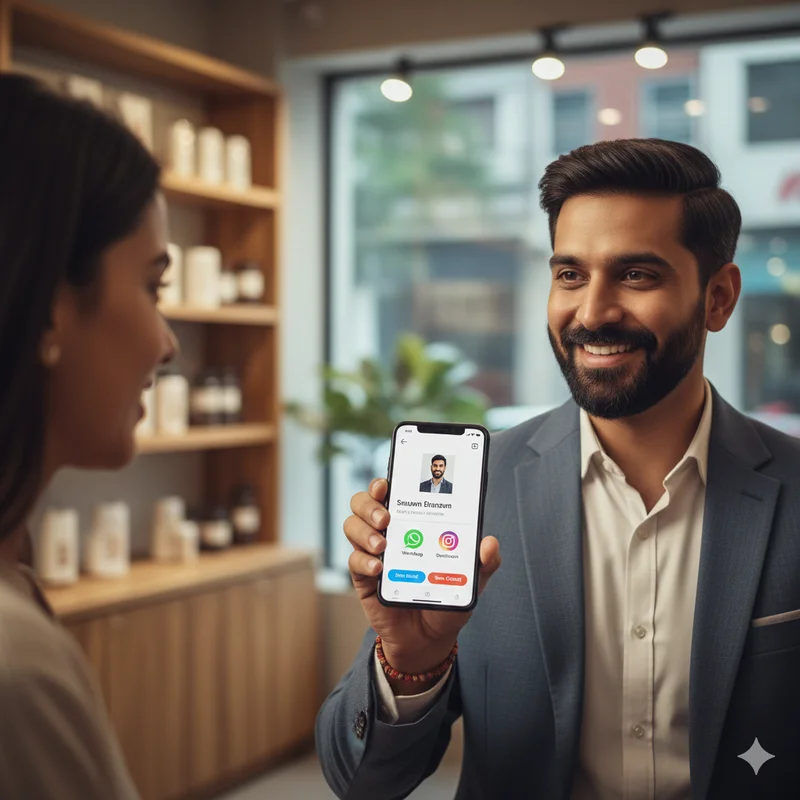
Your LocalShouts page should be thought of as your digital store front. Just as a well-maintained, well-decorated storefront entices people in, a customized and fully completed profile will get visitors to stop, look, and interact with your business online.
Customization goes beyond looks and style and has a greater effect of building trust and memorability. When prospective and returning customers view a well-designed LocalShouts profile, their followers immediately recognize your business as legitimate, up to date, and relevant. They will be much more likely to engage, stop in at your store, or ask a question.
In short, customizing your LocalShouts profile is the secret to converting online visibility or potential customers into real life, PROVEN GROWTH.
Step 1: Choose a Profile Photo That Builds Trust
Your profile photo is the first thing people notice and it sets the tone for your brand.
- For individual professionals (like fitness trainers, real estate agents, or makeup artists): Use a high-quality photo where you look approachable and confident.
- For small businesses: Use your logo or an image that represents your brand for example, your shopfront, a signature product, or your team in action.
Make sure the image is clear, centered, and bright. Avoid cluttered or blurry backgrounds. This small detail can make a huge difference in how people perceive your business.
Step 2 - Create a Unique Business Name & Tagline
Your business name and tagline are your lead. They should instantly grab attention.
Keep your business name the same as it appears on your shop board, packaging, and Google My Business.
Consider a short and catchy tagline that describes what you do.
For example:
- "Delight Bakery – Fresh Cakes, Every Day"
- "Ravi Fitness – Changing Lives One Workout at a Time"
- "Glow Studio – Beauty that Speaks for Itself"
This allows customers to quickly understand what you offer and to remember you.
Step 3 - Create a Great About Section
Your “About” section is one place you can show personality. It is a chance to display an authentic voice rather than a stale business description.
Here is a simple framework you can follow:
1. Begin with your purpose: Why did you start your business?
2. Focus on what makes you different: Quality, performance, or unique products.
3. Finish with a friendly invitation: Tell customers to visit or reach out.
Example:
“At Sunlight Fabrics, we believe every outfit tells a story. For the past 15 years, we have been helping customers find fabrics that reflect their style and comfort. Come in and check out our latest offerings or visit our LocalShouts page!”
The goal is to sound genuine, confident, and community-focused — not robotic.
Step 4: Add All Essential Business Details
A professional profile should make it easy for customers to reach you. Fill out every available section on LocalShouts (https://www.localshouts.com), including:
- Business address
- Working hours
- Contact number and WhatsApp link
- Email ID
- Google Maps location
- Website or social links
Each of these details increases your chances of being found online. Plus, complete profiles often appear higher in local search results.
Step 5: Use High-Quality Images and Videos
Visuals are powerful. They can instantly showcase your products, services, and atmosphere.
Upload high-quality images of:
- Your products
- Your workspace or store
- Happy customers (with permission)
- Behind-the-scenes shots
If possible, include a short video introduction, even a 20-second clip of you greeting viewers or showcasing your shop can make your profile feel more personal and authentic.
LocalShouts supports rich media, so use that advantage to tell your story visually.
Step 6: Display Customer Reviews and Testimonials
There is no better way to build trust than showcasing actual customers’ feedback. Have your satisfied customers leave a review or testimonial on your LocalShouts profile. A few heartfelt, truthful words about your business will influence prospects to want to visit you over the competition. For example:
- “Great service and friendly staff!”
- “I ordered a custom cake and it was amazing!”
- “The owner is very knowledgeable and helpful.”
You can also use short testimonials in your profile content for a bit of credibility.
Step 7: Show Off Your Key Products or Services
Don’t just list your services - list them in an enticing way! Organize a small section or card for each product or service you provide, including:
- An image or icon
- A brief description
- Your pricing (optional to include)
- A call to action (“Book Now”, “Visit Store”, etc.)
For example in a salon, you may list:
- Haircut & Styling
- Bridal Makeup and Hair
- Skin Treatments
- Home Service
This is an easy way for your visitors to see what you offer and what action they can take!
Step 8: Add Social Proof and Links
If your business has a social media presence, link your profiles directly from LocalShouts.
Platforms like Instagram, Facebook, and YouTube can help customers see more of your work. However, having too many separate links can confuse users — that’s why your LocalShouts digital card acts as a single hub, connecting all your platforms in one clean, shareable link.
It’s especially useful when sharing on WhatsApp, Instagram bio, or business cards.
Step 9: Keep Your Information Current
Your LocalShouts page should change as your business grows.
Update with your:
- Business hours (especially during holiday hours)
- New services or promotions
- Updated photos and banners
- Recent accomplishments or events
An incomplete or outdated page can damage your credibility. Take the time and review your digital card once every few weeks.
Step 10: Customize Your Link and QR Code
LocalShouts allows you to customize your profile link and QR code. You can use this personalized link or QR code to print it on packaging, a sign in your shop, or digitally share.
A customized link (for example localshouts.com/yourshopname) looks professional and makes it that much easier for a client to remember.
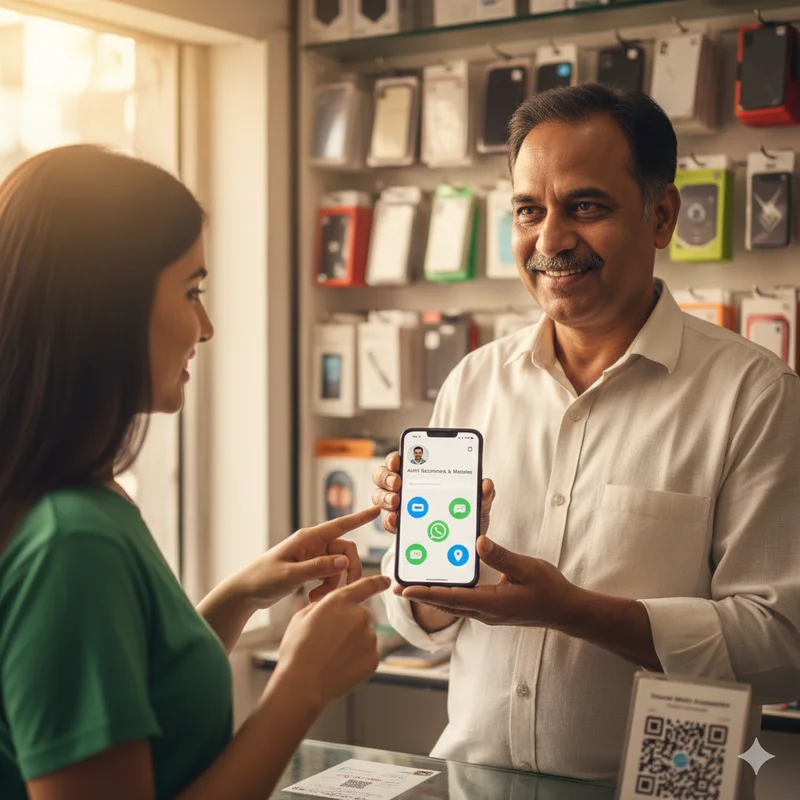
You may want to display your QR code at the shop counter so any client can instantly view your profile, call, or leave a comment.
This combination captures both offline and online marketing very nicely.
Why LocalShouts Is the Perfect Platform for Customization
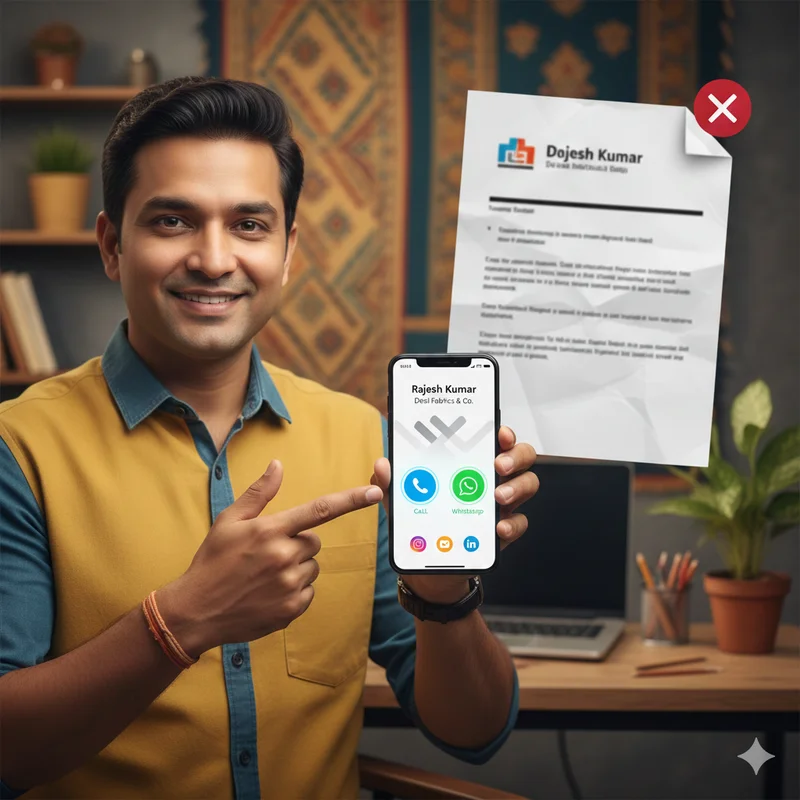
Unlike traditional business cards that get lost or damaged, a LocalShouts digital card is dynamic, interactive, and accessible from anywhere. It lets you update information instantly, display visuals, collect reviews, and connect directly through WhatsApp or Google Maps.
LocalShouts (https://www.localshouts.com) is designed specifically for Indian small and micro businesses, ensuring your profile looks great on mobile screens and works even with low bandwidth.
Whether you’re a local vendor, home entrepreneur, or service provider, LocalShouts gives you all the tools to stand out online — without needing technical skills.
Tips to Make Your LocalShouts Profile Stand Out
- Use consistent colors and branding – Match your profile colors to your logo or store theme.
- Add a short welcome message – A friendly greeting creates warmth.
- Feature offers or announcements – Use banners or posts to promote new arrivals or discounts.
- Use emojis strategically – A few well-placed emojis can make your descriptions pop without looking unprofessional.
- Monitor engagement – Track how many people click, call, or visit — then improve accordingly.
These small details can make your profile memorable and engaging.
Real-World Example
Let’s take Rina, a boutique owner in Pune. She replaced her paper business cards with a LocalShouts digital profile that includes her designs, store photos, and WhatsApp link. Now, every time she meets a new customer, she shares her LocalShouts link instead of a paper card.
Within weeks, she saw more inquiries, reviews, and walk-ins. Her customers also started sharing her profile link in their groups — creating organic growth.
That’s the power of having a customized, shareable digital identity.
Conclusion: Your Business Deserves to Be Seen
In today’s digital-first India, success isn’t about who has the biggest shop — it’s about who has the strongest digital presence.
Your LocalShouts digital card is your all-in-one branding tool, helping you look professional, reach more people, and convert every interaction into an opportunity.
The more you customize it, the more powerful it becomes. Don’t just exist online — stand out with a LocalShouts profile that reflects your brand’s personality and passion.
FAQs
1. What is a LocalShouts digital card?
A LocalShouts digital card is an online business profile that lets you share your contact details, products, and links in one place. It’s like a mini-website designed for local businesses.
2. Can I update my LocalShouts profile anytime?
Yes! You can edit or update your information anytime — whether it’s your working hours, images, or offers.
3. Is LocalShouts free to use?
LocalShouts offers both free and premium plans, allowing you to start small and upgrade as your business grows.
4. How is a LocalShouts digital card better than a paper business card?
Paper cards can get lost or outdated, but a LocalShouts card is interactive, shareable, and always updated online.
5. Can I share my LocalShouts card on WhatsApp and social media?
Absolutely. You can share your LocalShouts link or QR code on WhatsApp, Instagram, Facebook, and even print it on packaging.
6. Does a LocalShouts profile help in Google searches?
Yes. A complete and optimized LocalShouts profile can increase your visibility on Google, helping more customers find you locally.