For small business owners and freelancers in India, one of the biggest challenges is finding consistent, high-quality local clients. Whether you run a bakery in Pune, a salon in Gurgaon, a photography business in Delhi, or a freelance digital agency in Bangalore—your success depends on how easily people in your area can find and trust you.
In today’s digital-first world, your local presence online is just as important as your shop sign or business card. That’s where LocalShouts (https://www.localshouts.com) comes in—a smart platform designed to help professionals, startups, and micro-businesses build digital visibility, connect with nearby customers, and grow their client base effectively.
In this article, we’ll explore how to get more local clients using LocalShouts, step by step—from creating a powerful profile to standing out in local searches and building stronger community trust.
Why Local Clients Matter for Your Business
Before diving into strategies, it’s worth understanding why local clients are essential.
- They’re more likely to convert. People prefer businesses they can reach nearby.
- They boost word-of-mouth marketing. Local customers often recommend you to their community.
- They’re loyal. Once they trust your services, they come back and bring others.
- They help build your brand’s reputation. Strong local visibility increases credibility online and offline.
In short, building a steady base of local clients gives your business the stability it needs to grow sustainably.
What Is LocalShouts and How It Helps You Get Clients
LocalShouts (https://www.localshouts.com) is a platform designed to give local professionals, small businesses, and freelancers an easy way to create a digital identity and get discovered by customers nearby.
Think of it as your online mini-website — where people can find your services, contact details, photos, social links, and reviews — all in one place.
It’s simple, quick, and effective for those who don’t have the time or technical know-how to manage a full-fledged website or paid ads.
Step 1: Create a Complete and Compelling LocalShouts Profile
Your LocalShouts profile is your first impression. A complete, detailed profile builds trust and encourages people to reach out.
Here’s how to make it stand out:
- Add a professional photo or logo: This adds credibility and visual recognition.
- Write a clear business description: Explain who you are, what you do, and where you operate. Example: “Freelance graphic designer based in Mumbai helping startups with logos, websites, and brand identity.”
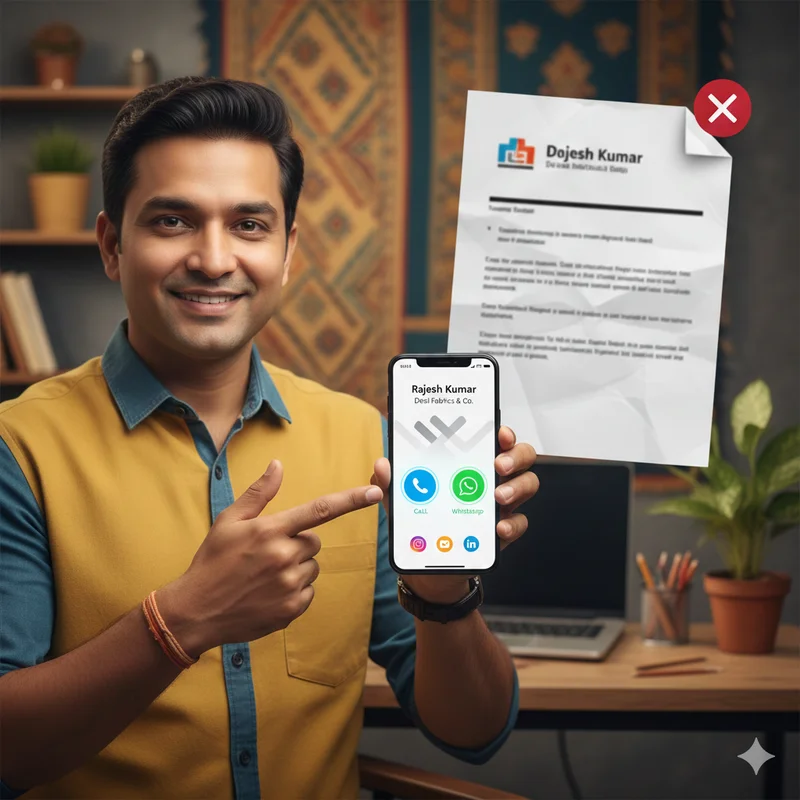
- Include contact details: Phone number, email, WhatsApp link, and address.
- Add photos and videos: Show your work, products, or workspace — visuals increase engagement.
- Include social media links: Connect your Instagram, Facebook, or LinkedIn for social proof.
A well-filled profile helps customers instantly understand what you offer and makes it easier for them to take action.
Step 2: Use Keywords That Match Local Searches
When people search online for “bakeries near me” or “digital marketing expert in Delhi,” search engines look for profiles that match those keywords.
Here’s how to use that to your advantage on LocalShouts:
- Include your city or area name in your business description (e.g., “Salon in South Delhi” or “Event planner in Pune”).
- Use specific keywords related to your service — like “wedding photographer,” “content writer,” or “home repair services.”
- Keep your text natural and easy to read — avoid stuffing too many keywords.
These small optimizations help your profile appear in local search results, increasing your visibility to potential clients in your area.
Step 3: Share Your LocalShouts Link Everywhere
Your LocalShouts link is your digital identity. Share it widely to attract clients from multiple touchpoints.
Here’s where you can add or share your link:
- Your WhatsApp Business profile
- Your Instagram bio or Facebook page
- On Google My Business as your website link
- Your email signature
- Posters, flyers, or QR codes in your store or event booth
- Networking groups and community WhatsApp groups
The more you share it, the easier it becomes for people to find and contact you directly.
Step 4: Keep Your Information Updated
Your business information should always reflect your latest details — like updated prices, new services, or contact numbers.
With LocalShouts, updating is quick and hassle-free. You can log in anytime to edit your details, add new photos, or update your working hours.
Keeping your profile current helps you look professional and reliable, especially when potential clients are comparing multiple businesses.
Step 5: Use Visuals to Build Trust and Engagement
People trust what they can see. Adding high-quality visuals to your LocalShouts profile can significantly improve your engagement and conversions.
For example:
- A makeup artist can show before-and-after transformations.
- A café owner can display their best dishes and ambience.
- A freelancer can upload screenshots of previous work or testimonials.
Visual content helps clients visualize what they’ll get when they choose you — making them more likely to reach out.
Step 6: Leverage Reviews and Testimonials
Customer reviews are one of the strongest trust signals online. Ask happy clients to leave short testimonials on your LocalShouts profile or share feedback that you can display visually.
Positive reviews:
- Build credibility and social proof.
- Influence new clients’ decisions.
- Help your business rank higher in local searches.
A consistent flow of good reviews can set you apart from competitors in your area.
Step 7: Network Using Your Digital Card
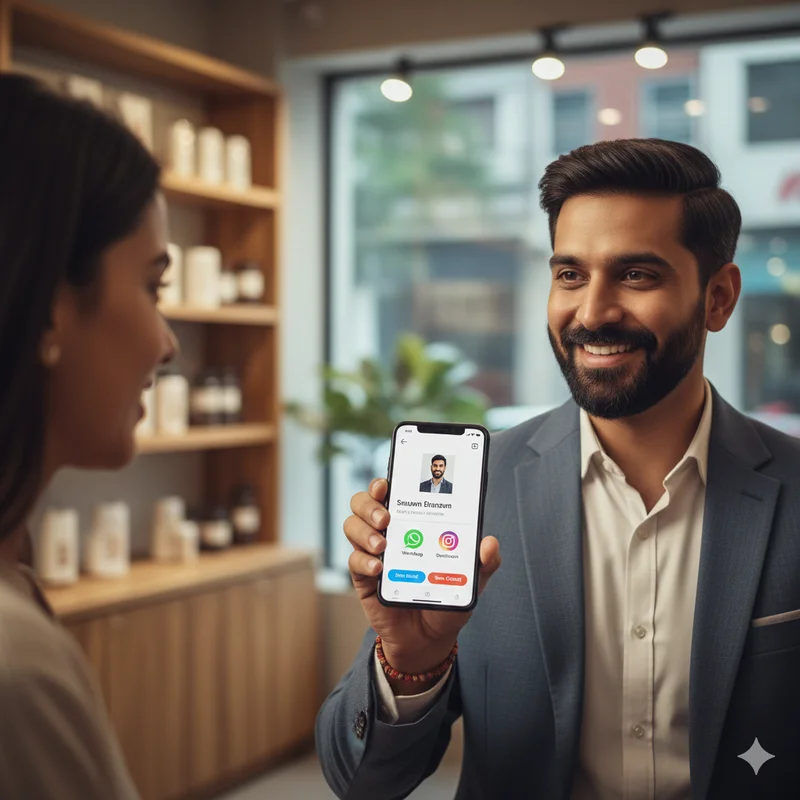
LocalShouts allows you to share your digital business card through NFC tap, QR code, or link sharing — a modern way to connect during meetings, events, or even casual conversations.
When someone taps your phone or scans your QR code, they can instantly save your contact and view your profile.
This convenience often leads to better follow-ups and conversions because your contact details never get lost or forgotten.
Step 8: Track Profile Engagement and Improve
Another smart feature of LocalShouts is that it allows you to track engagement — like how many people viewed your profile or clicked your contact button.
Use these insights to learn what works best. For example:
- If you notice high profile visits but few inquiries, update your call-to-action or pricing section.
- If photos attract more clicks, keep adding new visuals regularly.
Tracking helps you refine your profile for better performance and higher client response rates.
Step 9: Combine LocalShouts with Google My Business
For maximum visibility, integrate your LocalShouts link with your Google My Business profile.
When people find your business on Google Maps or local search, they can directly click your LocalShouts profile to view your services, portfolio, and contact details — making it easier for them to connect.
This combination strengthens your local SEO presence and improves conversion chances.
Step 10: Promote Your LocalShouts Card Offline
Don’t limit your LocalShouts presence to online use only — it works beautifully offline too.
You can:
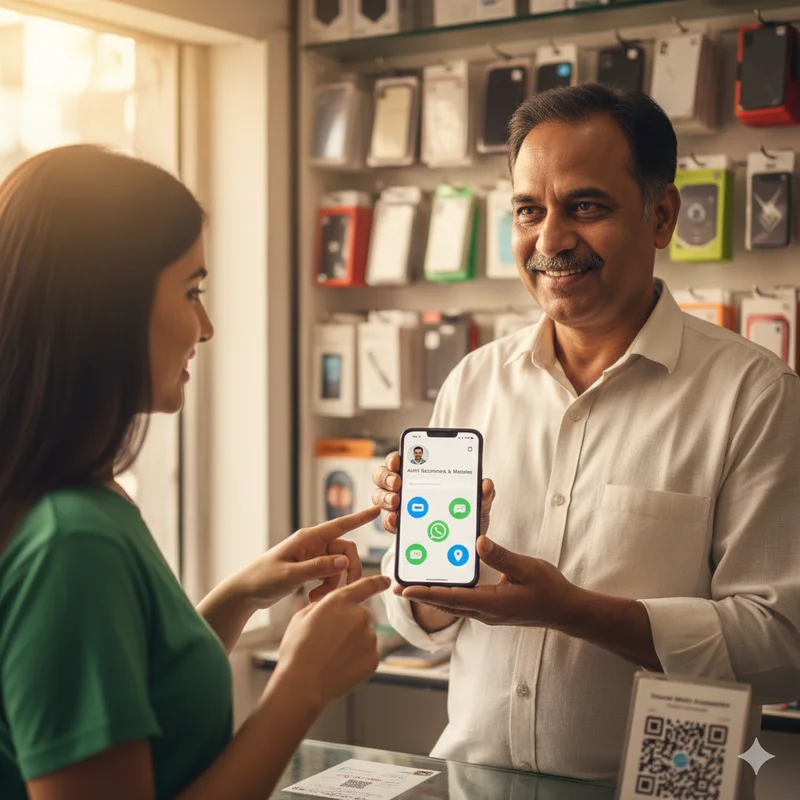
- Print your QR code on receipts, flyers, or menus.
- Display it on your store counter or event banner.
- Encourage walk-in customers to scan it and follow your updates.
This bridges the gap between your physical and digital presence, helping more people discover and remember your business.
How LocalShouts Helps You Outshine Competitors
LocalShouts isn’t just another networking tool — it’s a visibility booster for local professionals.
Here’s how it gives you an edge:
- Your profile appears in local search results, increasing chances of discovery.
- The platform builds trust with verified, professional-looking profiles.
- You can easily share and update details without technical effort.
- You can track engagement and improve your reach strategically.
When used well, LocalShouts becomes your 24/7 marketing partner — helping you get noticed, remembered, and contacted by local clients.
Real-Life Examples of Local Growth
Let’s take a few scenarios:
- A local fitness trainer in Mumbai uses LocalShouts to share his digital card on WhatsApp and gets three new clients from a nearby housing society.
- A florist in Delhi adds photos of her work and a QR code to her shop banner — new customers find and follow her easily.
- A freelance web developer in Pune integrates his LocalShouts link into his LinkedIn bio—leading to project inquiries from startups in the city.
The possibilities are endless when your digital presence is simple, professional, and shareable.
Conclusion
Getting more local clients isn’t about spending heavily on ads — it’s about being visible, credible, and easy to reach.
With LocalShouts (https://www.localshouts.com), you can showcase your work, share your contact effortlessly, and appear in local searches — all through one smart, simple platform.
Whether you’re a freelancer, a small business owner, or an entrepreneur, LocalShouts helps you turn every interaction into a potential client opportunity.
If you’re serious about growing your local reach, start today — create your LocalShouts profile and watch your network expand right in your neighborhood.
FAQs
1. How does LocalShouts help me get more local clients?
LocalShouts boosts your online visibility by displaying your profile in local search results and making it easier for nearby customers to contact you.
2. Do I need technical skills to use LocalShouts?
Not at all. LocalShouts is beginner-friendly — you can set up your profile in minutes without any technical expertise.
3. Can I add photos and videos to my LocalShouts profile?
Yes, you can showcase your work or services visually to attract more engagement and build trust.
4. How do clients find my LocalShouts profile?
Your profile can appear in local searches, or you can share your digital card through QR codes, NFC taps, and direct links.
5. Is LocalShouts suitable for freelancers?
Absolutely. Freelancers can use LocalShouts to display their portfolio, contact info, and reviews — helping them connect with nearby clients easily.
6. Can I track how well my profile is performing?
Yes, LocalShouts provides engagement tracking so you can see how many people viewed your profile and took action.