In today’s digital-first world, the success of any small or local business depends on how quickly and easily customers can find and connect with it. Whether you’re a salon owner, real estate consultant, tutor, or café manager, your online visibility plays a huge role in bringing customers to your door.
That’s why LocalShouts (https://www.localshouts.com) was designed — to help small and micro businesses in India simplify digital marketing and make customer connections effortless. One of its most powerful features is the ability to share your profile instantly — with just a single tap.
In this article, we’ll explore how this simple yet smart feature can transform the way you promote your business, build trust, and attract more customers in your neighborhood.
Why Easy Sharing Matters for Local Businesses
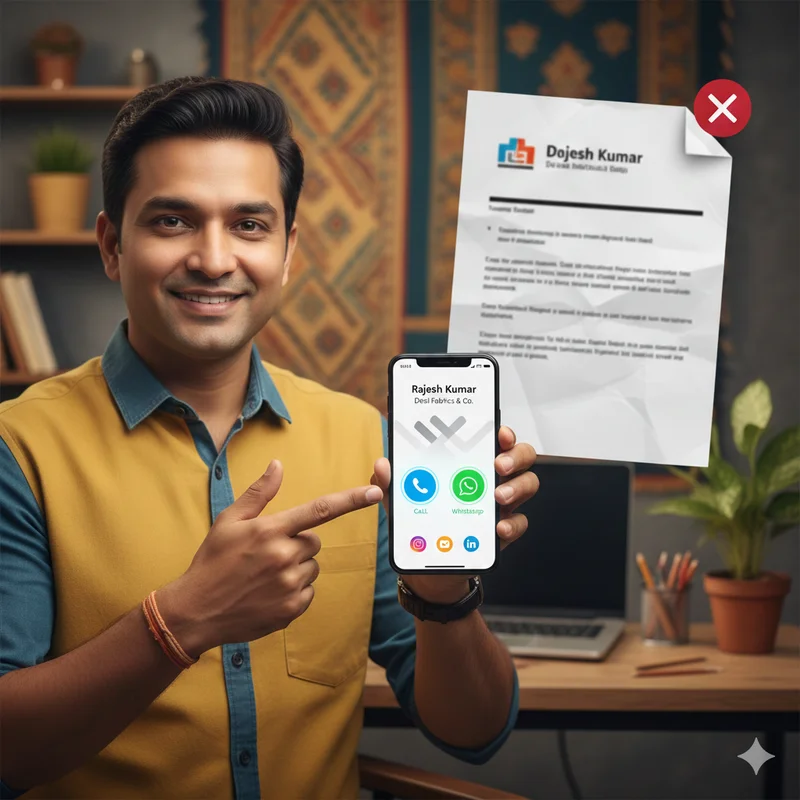
In traditional marketing, you had to print business cards, flyers, or posters to spread the word about your services. While these methods still have some value, they’re slow, expensive, and limited to physical spaces.
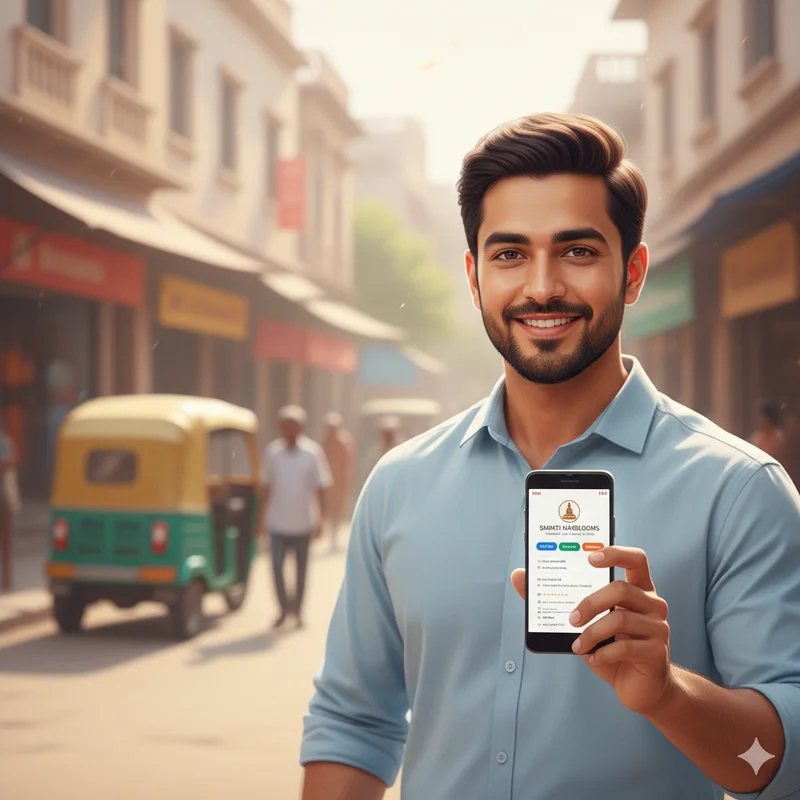
Today, your customers are on WhatsApp, Instagram, and Google—and they prefer quick, digital access to your information. They don’t want to type your number or search endlessly for your store’s name. Instead, they want a direct, one-tap connection that takes them to your complete profile instantly.
That’s exactly what the LocalShouts share feature offers—the power to send your business profile anywhere, anytime, with zero hassle.
What Is the LocalShouts One-Tap Share Feature?
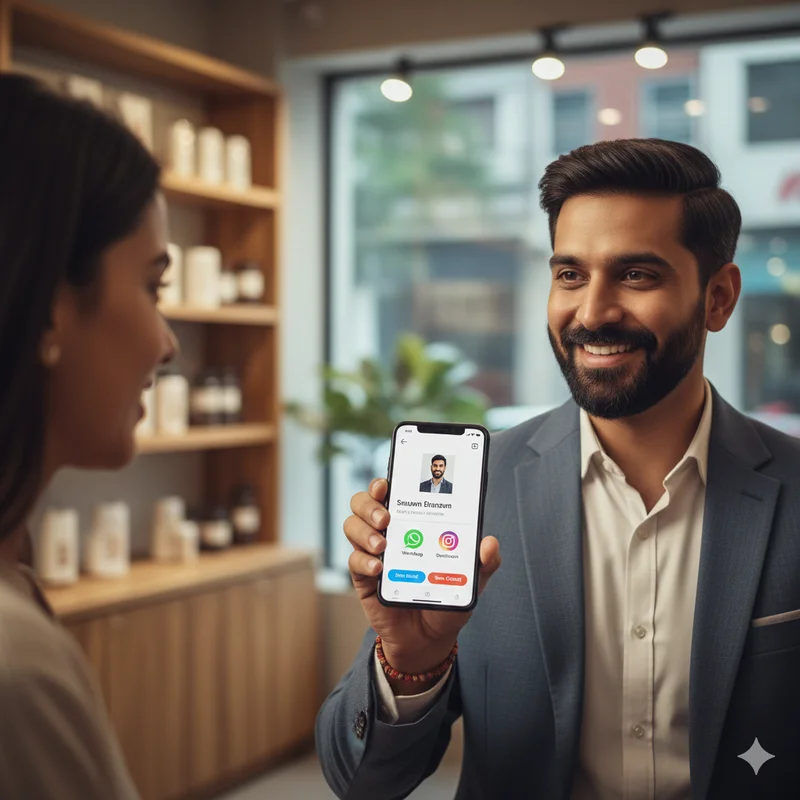
The one-tap share option on LocalShouts (https://www.localshouts.com) lets you instantly share your digital business card—which includes your services, contact details, reviews, and photos—through any platform, such as:
- SMS
- QR code
- Facebook or Instagram bio link
With this, you can introduce your business to new clients or collaborators in seconds. It’s as simple as tapping “Share” and choosing where you want to send it.
This feature turns your digital card into a powerful marketing tool — one that replaces dozens of printed cards and manual introductions.
How to Share Your LocalShouts Profile in One Tap
Sharing your LocalShouts profile is incredibly simple. Here’s how you can do it:
Step 1: Open your LocalShouts account and go to your digital business card.
Step 2: Tap the “Share” button — usually found at the top or bottom of your profile.
Step 3: Choose your preferred platform — WhatsApp, SMS, or social media.
Step 4: Tap “Send” — and your complete profile link is shared instantly!
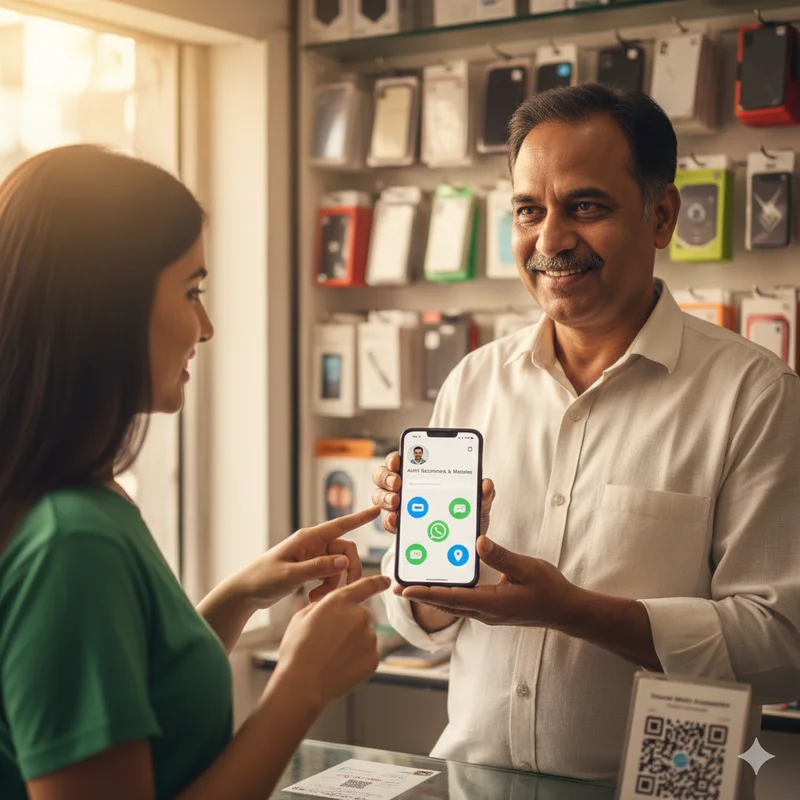
You can also generate a QR code for your profile and print it on your shop board, packaging, or marketing materials. Anyone who scans it will land directly on your LocalShouts page — no typing or searching required.
It’s the fastest way to connect with customers in today’s fast-moving digital world.
Benefits of Sharing Your LocalShouts Profile
Let’s look at how this feature can give your business an instant edge.
1. Instant Professionalism
A single shared link makes your business look modern, organized, and trustworthy. Customers appreciate convenience — when they can view your details, services, and reviews in one tap, they’re more likely to choose you over competitors.
2. Easy Word-of-Mouth Promotion
Happy customers often want to recommend your business to their friends or family. Instead of explaining or searching, they can simply forward your LocalShouts profile link. This makes referrals faster and more effective.
3. Save Money on Printing
Forget reprinting business cards every time your details change. With your LocalShouts card, updates happen online and automatically reflect in your shared link — saving both time and money.
4. Consistent Branding Across Platforms
Whether you share on WhatsApp, email, or Facebook, your profile link always shows your latest information and visuals. This ensures that your brand stays consistent everywhere customers find you.
5. Trackable and Smart
You can see how many people have viewed your profile, clicked your contact link, or interacted with your posts. This gives you valuable insights into what works best for your audience.
Why One-Tap Sharing Beats Traditional Business Cards
Traditional Business Card
LocalShouts One-Tap Share
Can be lost or damaged
Always accessible online
Needs reprinting after updates
Updates instantly in real-time
Limited to physical handouts
Shareable anytime, anywhere
Hard to measure response
Tracks engagement and clicks
No visuals or reviews
Includes images, ratings, and contact buttons
With one-tap sharing, your LocalShouts profile becomes your digital identity card — far more powerful, eco-friendly, and effective than paper cards.
How Sharing Helps You Grow Locally
When you share your LocalShouts profile, it doesn’t just reach one person — it can be forwarded, shared in groups, or even added to community directories.
Here are a few smart ways local businesses are using the feature:
- Cafés and Restaurants: Sharing their profile in local food groups and WhatsApp communities.
- Freelancers: Sending it to potential clients as a portfolio link.
- Retail Stores: Adding QR codes to receipts for easy reorders.
- Tutors and Trainers: Sharing their profiles with parents and students for instant trust.
The result? More local visibility, more inquiries, and more sales — without any extra spending.
Tips to Get the Most Out of One-Tap Sharing
Here are a few strategies to make your LocalShouts sharing more effective:
1. Add Your Profile Link to Your WhatsApp Business Account
Include your LocalShouts link in your WhatsApp bio or automatic greeting message so new contacts can instantly see your services.
2. Use It in Social Media Bios
Place your link in your Instagram, Facebook, or LinkedIn bio. This ensures your followers can visit your business card directly.
3. Include It in Your Email Signature
Add your LocalShouts link at the end of your professional emails for quick access.
4. Print Your QR Code Strategically
Put your QR code on your shop entrance, delivery boxes, or event stalls. It encourages people to scan and learn more about your business instantly.
5. Encourage Customers to Share Your Link
After every sale or service, ask happy customers to forward your LocalShouts profile to their contacts. It’s the easiest way to grow through referrals.
LocalShouts: Making Local Promotion Effortless
What makes LocalShouts (https://www.localshouts.com) special is that it’s built for small and micro businesses — people who don’t have big marketing teams or technical expertise.
The one-tap sharing feature is part of a larger ecosystem that includes:
- Digital business cards to replace printed materials
- Customer reviews to build local trust
- Offers and posts to promote your services
- Engagement analytics to understand your audience
It’s everything a local entrepreneur needs to grow digitally — all in one simple platform.
How LocalShouts Helps You Build a Local Network
When multiple businesses in your city or community use LocalShouts, it creates a powerful local ecosystem. Each shared link not only promotes one business but also strengthens the overall visibility of your area’s services and shops.
For example, a local bakery can share its card with a nearby coffee shop for cross-promotion, or a yoga studio can collaborate with a wellness store. These kinds of local partnerships thrive when every business is easily shareable online.
Conclusion
In a world where customers expect instant access and clear information, the ability to share your business profile in one tap is a game-changer. LocalShouts (https://www.localshouts.com) makes this possible — giving small and micro businesses a professional, fast, and trackable way to connect with more people.
By using your LocalShouts digital card and its sharing tools, you can simplify marketing, improve visibility, and grow your local customer base — all without spending a fortune on advertising.
With just one tap, your business can reach countless new customers — and that’s the true power of local digital marketing done right.
FAQs
1. Can I share my LocalShouts profile on WhatsApp?
Yes, you can share your profile instantly on WhatsApp using the one-tap share button. Your contact can view your complete profile with all details.
2. How does one-tap sharing help local businesses?
It saves time, looks professional, and allows customers to connect directly—helping you build credibility and attract new clients faster.
3. Can I share my LocalShouts profile offline?
Absolutely. You can print your QR code on posters, receipts, or packaging so people can scan it and visit your profile instantly.
4. Does my shared link update automatically when I change details?
Yes. Any changes you make to your LocalShouts card reflect instantly across all shared links and QR codes.
5. Is the LocalShouts sharing feature free?
Yes, the one-tap sharing option is free for all users, making it one of the simplest ways to promote your business online.
6. Can I track how many people opened my shared link?
Yes, LocalShouts provides engagement insights, allowing you to see how often your card is viewed and where traffic comes from.