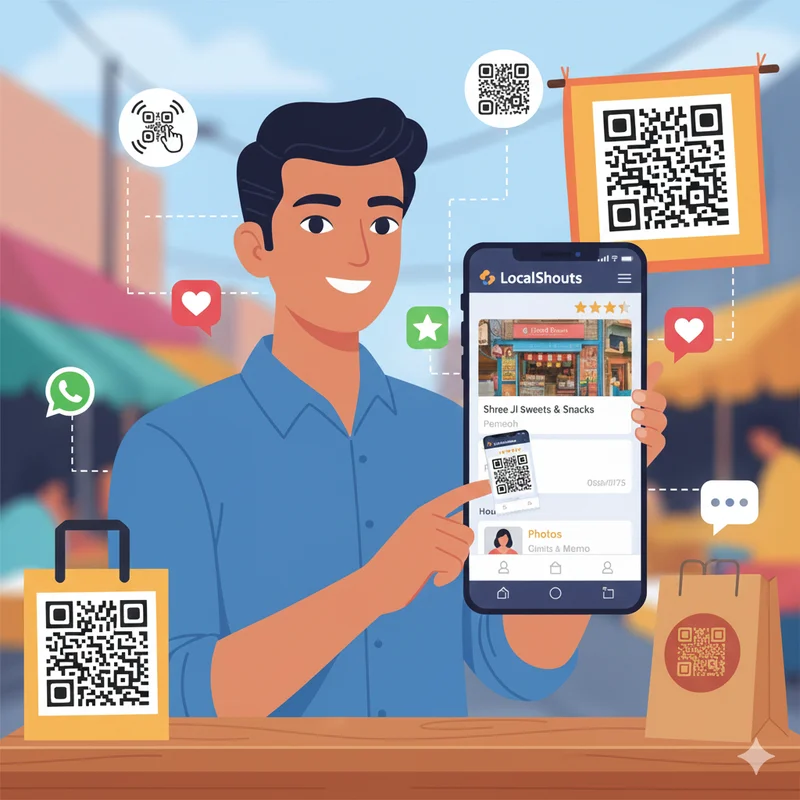
Introduction: Bring Customers Closer to You with a Single Scan
In the fast-paced digital world we live in, people appreciate simplicity. Nobody wants to type a long URL or spend time trying to find a business online. They want to access things quickly, and that's precisely what QR codes provide.
Whether you operate a salon, café, boutique, or repair shop, your customers are always only one scan away from finding your products and services, reviews, contacting information, and the location of your business as long as you use your LocalShouts QR correctly.
LocalShouts (https://www.localshouts.com) provides every business owner a unique QR code to their linked Digital Business Card. QR codes can take offline engagements, such as when someone visits their business store, networking events, or packaging and flyers, right into online engagement.
In this walkthrough guide, you will learn how to use LocalShouts QR codes to expand reach, bring in new customers and improve the digital online presence of your business, all without spending on advertisements!
What Is a LocalShouts QR Code?
When you create your business profile on LocalShouts, the platform automatically generates a QR code linked to your page.
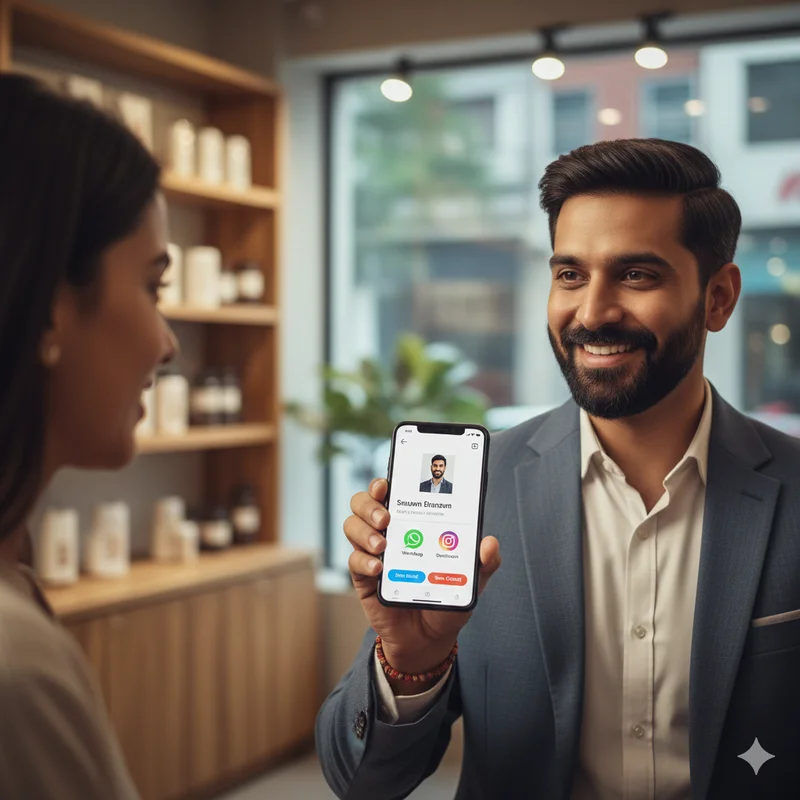
Think of it as your digital handshake — when someone scans your QR code, they instantly see your:
- Contact information
- Business location on Google Maps
- Products or services
- Photos and videos
- Reviews and testimonials
- Social media links
This is your entire business identity, accessible in seconds — no app downloads or complicated logins needed.
Why QR Codes Are a Game-Changer for Local Businesses
For small and micro businesses across India, QR codes offer an incredibly cost-effective marketing tool. Let’s explore why they’re so powerful:
1. Instant Information Access: Using QR codes links both online and offline instantly. Customers no longer need to ask you for your WhatsApp number, search for your name on Google, or type out your website manually. One scan and they are in.
2. Cost Effective and Eco-Friendly: Unlike paper flyers or business cards, QR codes don't need to be reprinted if you want to update your details. Once you print your LocalShouts QR code, it works forever, even if you update your contact or address online.
3. Ideal for the Mobile-First Indian Audience: The largest share of Indian consumers are using smartphones as their primary device for accessing online services. Most modern smartphones have a scanner built into the camera, so anyone can also scan your LocalShouts profile easily.
4. Creating Customer Engagement: When customers scan your QR codes, they see photos, reviews, contacts, and more, which builds trust and the possibility that the customer will contact you or visit.
5. Enhances Word-Of-Mouth Marketing: Your customers can share your QR code or link easily, multiplying that audience without doing anything additional.
How to Find and Download Your LocalShouts QR Code
Getting your QR code is simple. Here’s how to do it:
- Visit LocalShouts.com and log in to your account.
- Go to your dashboard or profile settings.
- Look for the option “Download QR Code.”
- Save the image to your phone or computer.
This QR code is unique to your business page; you can print it, share it online, or even use it in marketing materials.
10 Creative Ways to Use Your LocalShouts QR Code
Now that you have your QR code, it’s time to put it to work. Here are 10 smart, practical ways to use your LocalShouts QR code to grow your reach both online and offline.
1. Place it at the Entrance to Your Store
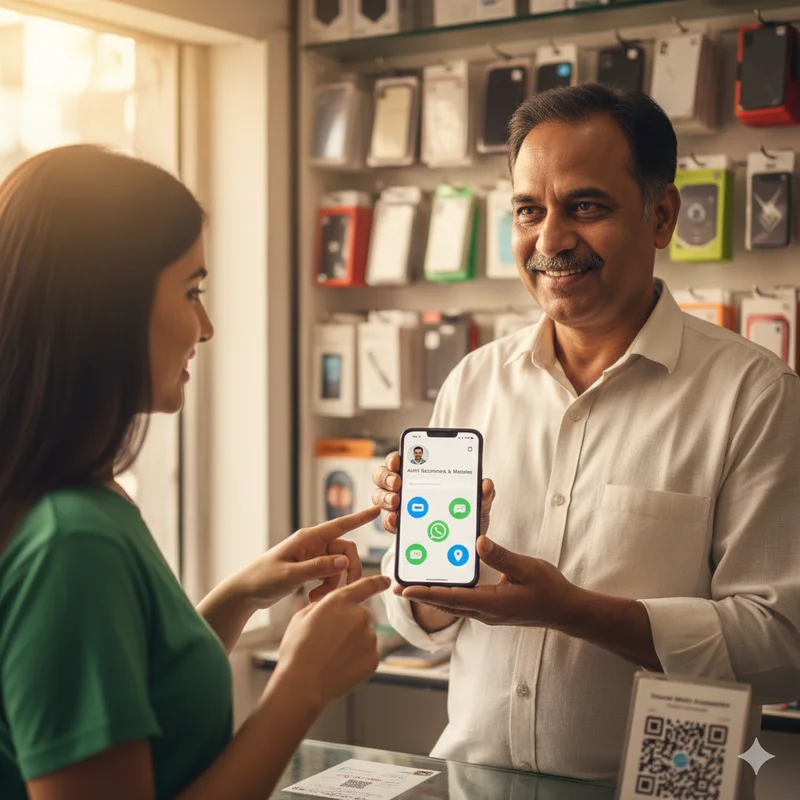
Put your QR code at your shop's entrance, counter, or display window to let walk-in customers scan it and:
- View your services and prices
- Check reviews before purchasing
- Save your contact info easily
Pro tip: Under the QR code, add a small sign,
📱 ‘Scan to see our business!’
This jumpstarts engagement on a second level.
2. Print it on Receipts and Bills
Any customer who buys something from you will receive a receipt or bill, so why not make that stack of paper work harder for you?
You can add your LocalShouts QR code to:
- Printed bills
- Payment receipts
- Warranty cards
Again, when your customer sees it later and scans it, they can follow you, leave a review, or share your profile with friends.
3. Add It to Product Packaging
If you sell products — whether snacks, crafts, or cosmetics — print your QR code on your packaging.
This lets customers scan it to:
- Learn more about your brand
- Read product details
- Follow your LocalShouts profile for updates
It’s a powerful way to stay connected even after the sale is complete.
4. Include It on Posters and Banners
If you advertise locally through posters, banners, or event stalls your LocalShouts QR code helps convert interest into action.
People passing by can instantly scan the code to visit your page. No need to remember your name or search for you online later.
5. Use It in WhatsApp Status and Groups
Want quick visibility among your contacts? Post your QR code image on your WhatsApp Status or share it in relevant groups.
You can also add a line like:
“Want to know more about my business? Just scan this!”
It’s subtle, effective, and free promotion to hundreds of potential customers.
6. Incorporate it into Visiting Card
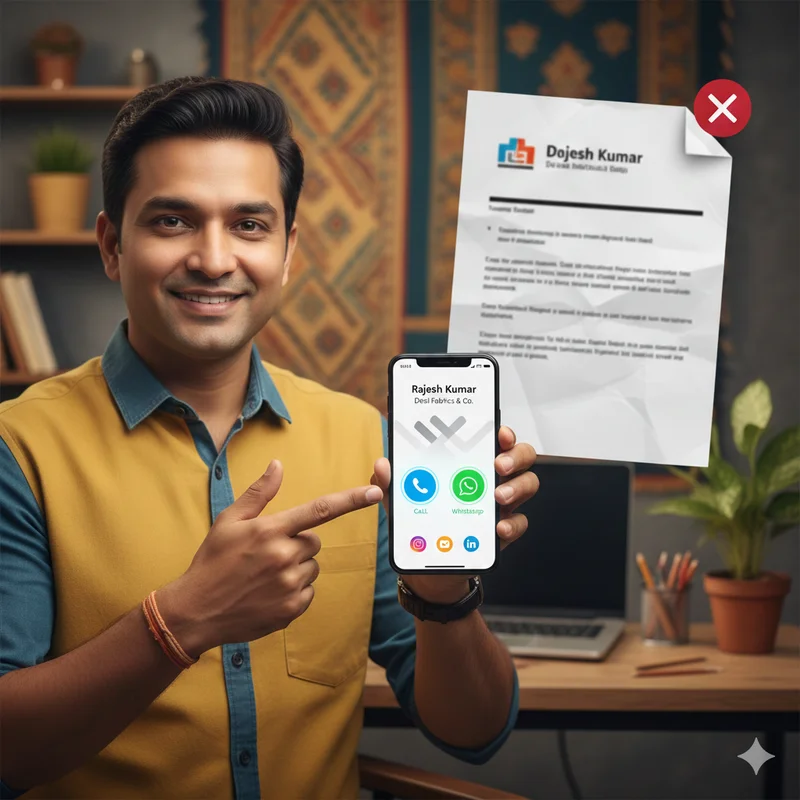
When you use traditional paper business cards, it is very easy to misplace them. By adding your LocalShouts QR code to your printed card, you enhanced its usability.
Your recipients can simply scan it at any time to see your entire digital profile (including contact info, reviews, location, and much more).
It is the ultimate connector of the past and present way of networking.
7. Use It at Trade Shows & Community Events
If you are attending trade shows or community events, just print your QR code on your stall banner or counter! When someone approaches your booth to check you out, they can scan it and get your details right there without you having to carry around tons of brochures or flyers.
8. Share It on Social Media post
Simply post your QR code image on Facebook, Instagram, or LinkedIn and offer a caption like the following:
"Scan to know more about my business on LocalShouts!"
You are now encouraging your followers to see your full profile instead of just a post.
9. Add It to Delivery Bags
If you run a delivery business — like food, bakery, or clothing — add your QR code sticker on the delivery bags or boxes.
When customers receive their order, they can scan the code to:
- Give feedback
- Check your contact details
- Follow your business page
This helps turn one-time buyers into loyal, repeat customers.
10. Include It in Email Signatures and Invoices
If you communicate with clients via email, add your LocalShouts QR code in your signature or invoice footer.
Example:
“📱 Scan this QR to view our business profile and leave a review.”
It’s a professional touch that also drives traffic to your LocalShouts page.
How QR Codes Strengthen Your LocalShouts Marketing
Using your QR code isn’t just about convenience — it’s about boosting visibility, trust, and conversions. Let’s break down how this works:
1. Increases Local Discoverability
When more people scan and visit your LocalShouts page, it improves your visibility on search engines. This means higher chances of appearing when people search for local services like yours on Google.
2. Builds Instant Trust
A customer scanning your QR code sees your verified business page with real reviews. This builds credibility, especially for new or walk-in customers who want proof before purchasing.
3. Simplifies Word-of-Mouth Sharing
Your QR code can be shared or screenshotted easily. This turns every satisfied customer into a potential brand ambassador.
4. Tracks Customer Behavior
LocalShouts’ smart analytics (for premium users) let you see how many people are visiting your page — helping you understand where your engagement is coming from.
5. Saves Time and Resources
Instead of repeating your business details over and over, you just ask people to scan your code. It’s fast, clear, and professional.
Best Practices for Using Your QR Code Effectively
1. Keep It Visible and Accessible
Place your QR code at eye level and ensure it’s easy to scan. Avoid hiding it in corners or using too small a print size.
2. Use Clear Instructions
Always add a short message near your QR code:
- “Scan to know more”
- “Explore our business page”
- “Get directions here”
3. Test It Before Printing
Before you finalize your posters or packaging, test the QR code on different devices to ensure it opens your LocalShouts page correctly.
4. Use High-Quality Printing
Blurry or low-resolution QR codes can fail to scan. Always use a clear, high-contrast version from your LocalShouts dashboard.
5. Update Your Profile Regularly
Remember, the QR code links to your profile — so keep your LocalShouts page updated with your latest offers, services, and contact details.
How QR Codes Turn Offline Customers into Online Followers
Let’s take an example:
Neha’s Beauty Studio, a small salon in Pune, printed her LocalShouts QR code on her door, flyers, and visiting cards. She encouraged walk-in clients to scan it for offers and leave reviews.
Within a few weeks:
- Her LocalShouts page views tripled.
- She started getting bookings through her WhatsApp button.
- New clients said they found her through the QR code on her flyers.
That’s the beauty of combining offline visibility with digital tools; it multiplies your reach without increasing your budget.
How LocalShouts Makes QR Marketing Easy
LocalShouts (https://www.localshouts.com) simplifies digital marketing for every small and micro business in India.
Here’s why it’s the perfect platform for QR-based growth:
- Automatic QR code generation — no extra steps required.
- Instant profile access — customers see your verified digital card in one tap.
- Free sharing tools — links, QR codes, and embeds you can use anywhere.
- Local SEO visibility — helps your business appear in nearby searches.
- Professional branding — your page looks clean, organized, and trustworthy.
With LocalShouts, you don’t need to be a tech expert. The platform gives you everything you need to grow your business online — starting with your QR code.
Common Mistakes to Avoid with QR Codes
- Placing codes in low-visibility areas like under tables or on the back of receipts.
- Using poor-quality prints that don’t scan properly.
- Not providing context (customers don’t know why to scan).
- Ignoring link updates always makes sure your LocalShouts page is active.
- Using multiple QR codes from different tools stick with your official LocalShouts code to maintain consistency.
Conclusion: One Scan Can Change Everything
A QR code might look simple, but it’s one of the most powerful digital marketing tools available to small businesses today.
When you use your LocalShouts QR code, you make it easy for people to connect with your brand, learn about your offerings, and take action instantly.
Whether on packaging, posters, receipts, or WhatsApp, your QR code acts as a bridge between your physical presence and digital identity. And with LocalShouts, managing it is effortless.
So don’t let customers walk away without knowing how to find you again.
Print your LocalShouts QR code today and let every scan bring new customers to your doorstep.
FAQs
1. What is a LocalShouts QR code used for?
It links directly to your LocalShouts digital profile, allowing people to view your business details, contact info, and reviews instantly by scanning.
2. Can I print my QR code anywhere?
Yes! You can print it on banners, packaging, visiting cards, or even display it on your shop wall. It works everywhere.
3. Is the QR code free with LocalShouts?
Yes, every LocalShouts account comes with a free, unique QR code.
4. What happens if I change my business details?
No problem, your QR code automatically updates. The same code always leads to your latest profile.
5. Can people without the LocalShouts app scan my QR code?
Yes! Anyone can scan it using their smartphone camera, no app required.
6. How can I track QR scans?
LocalShouts offers analytics (for premium users) that show page visits and engagement — helping you measure your reach.