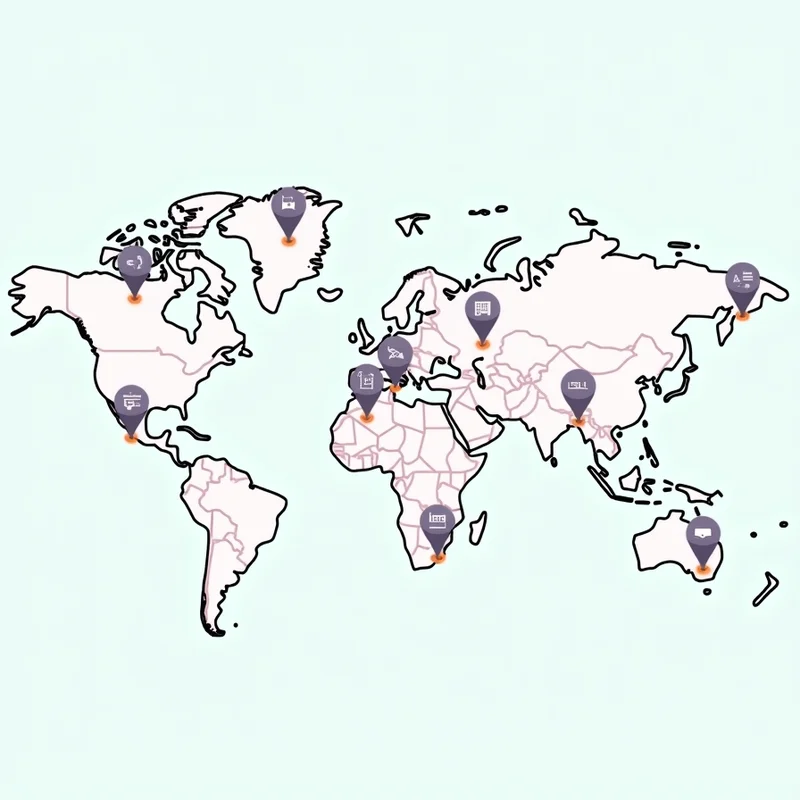
For small and micro businesses operating in multiple locations across India, managing each branch effectively is crucial for consistency, visibility, and customer engagement. Adding store codes for each location is an essential step for businesses that want to streamline operations, manage data accurately, and optimize their digital presence on platforms like Google My Business, social media, and business management tools.
- What Are Store Codes?
Store codes are unique identifiers assigned to each branch or location of a business. They help businesses track sales, inventory, marketing campaigns, and customer interactions separately for each outlet. Store codes are also critical when integrating multiple locations into business management platforms like LocalShouts (https://www.localshouts.com), Google My Business, or internal ERP systems.
Benefits of store codes include:
- Organized Management:
Quickly differentiate between multiple locations for reporting and analysis.
- Accurate Tracking:
Monitor sales, customer feedback, and reviews by specific store.
- Enhanced Marketing:
Run location-specific promotions and campaigns.
- Local SEO Advantage:
Helps search engines identify individual locations, improving local search visibility.
Step-by-Step Guide to Adding Store Codes for Multiple Locations
Prepare Your Location List
Start by creating a comprehensive list of all your business locations. Include:
- Store name
- Address
- Contact number
- Manager or point of contact
- Operating hours
Organizing this information ensures you assign store codes systematically.
Assign Unique Store Codes
Decide on a naming convention for store codes. This could include:
- Abbreviations: Use the city or locality name plus a number (e.g., MUM-01 for Mumbai store 1).
- Category-Based: Include store type or category if you operate different types (e.g., CAFE-DEL-02).
Consistency is key. Once assigned, avoid reusing or changing store codes frequently, as this can cause confusion in reports and platforms.
Add Store Codes in Business Platforms
Different platforms allow you to integrate store codes in various ways:
- Google My Business (GMB): While GMB itself does not have a “store code” field, you can include the store code in the Business Name or Address Line 2 to make it easier to identify locations internally. For example:
- “Bright Cafe – DEL-01”
- LocalShouts (https://www.localshouts.com): LocalShouts allows businesses to manage multiple locations efficiently. Adding store codes to each location helps track reviews, campaigns, and performance metrics accurately across all branches.
Update Internal Systems
Integrate store codes into your POS, inventory management, or ERP system. This ensures that sales, stock, and operational data are correctly attributed to each location.
- Train Your Team
Ensure your staff knows the store codes for their respective locations. This is especially important when responding to reviews, updating business information, or handling customer inquiries.
- Monitor and Optimize
Regularly review data by store code to identify trends, top-performing locations, or areas needing improvement. Use this information to refine marketing strategies, allocate resources, and improve overall customer experience.
Best Practices for Managing Multiple Store Codes
Keep Codes Simple and Intuitive
Avoid overly complex codes that are hard to remember. Simple codes with location identifiers are easier for your team to use.
Centralized Documentation
- Maintain a spreadsheet or database with all store codes, location details, and associated managers. This becomes a single source of truth for your business.
Integrate With Reviews and Analytics
- Track reviews, customer interactions, and analytics by store code. Platforms like LocalShouts (https://www.localshouts.com) allow you to manage reviews across locations efficiently, making it easier to respond to feedback promptly.
Regular Updates
- When opening new locations or closing existing ones, update your store codes and all associated platforms immediately to avoid confusion and maintain accurate reporting.
Leverage Automation Tools
- Use management tools to automate location-specific updates, campaigns, and reporting. This reduces manual work and ensures consistency across multiple locations.
Conclusion
- Adding store codes for multiple locations is a simple yet powerful step for small and micro businesses in India looking to scale efficiently. Store codes streamline operations, improve local SEO, track reviews and customer engagement accurately, and help make informed business decisions. Tools like LocalShouts (https://www.localshouts.com) make managing multiple store codes across platforms easy, allowing businesses to maintain consistency, monitor performance, and provide better service to customers.
- By implementing a structured system of store codes, businesses can stay organized, responsive, and competitive, even while operating multiple locations across India.
FAQs
- What is a store code?
A store code is a unique identifier for each business location, used for tracking operations, marketing, and analytics.
- Why do I need store codes for multiple locations?
Store codes help organize data, monitor performance, run location-specific campaigns, and improve local search visibility.
- Can I use store codes on Google My Business?
Yes, you can include store codes in the business name or address field for internal tracking, although GMB doesn’t have a dedicated store code field.
- How do store codes improve local SEO?
Store codes help differentiate each location online, allowing search engines to index them accurately and show them in relevant local searches.
- Can LocalShouts manage multiple store codes?
Yes, LocalShouts (https://www.localshouts.com) allows businesses to manage multiple locations efficiently, track reviews, and monitor campaigns using store codes.
- Should store codes be changed over time?
It’s best to keep store codes consistent. Changing them frequently can cause confusion in reports and analytics.




