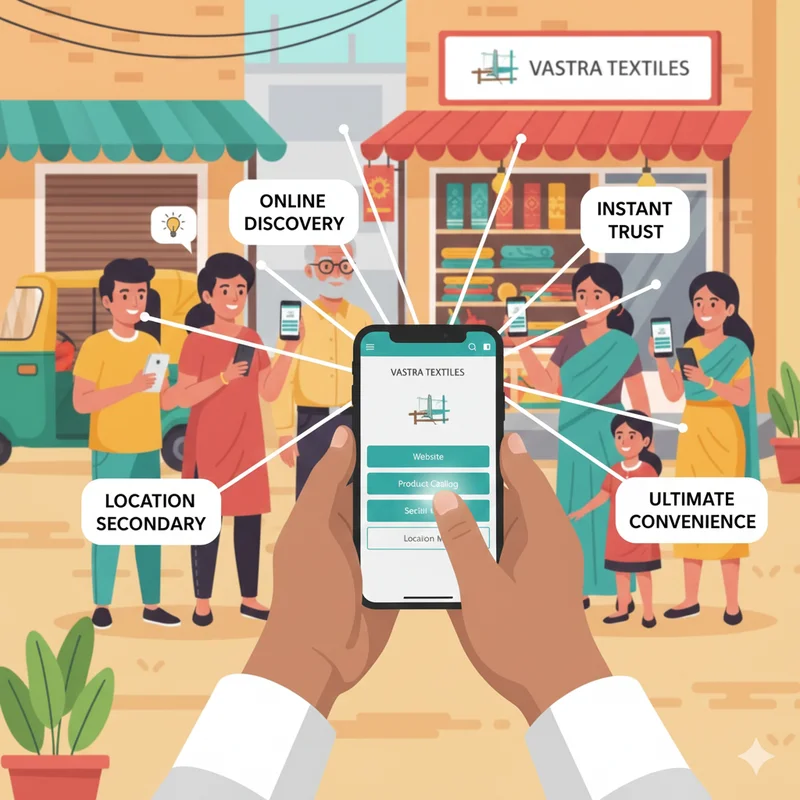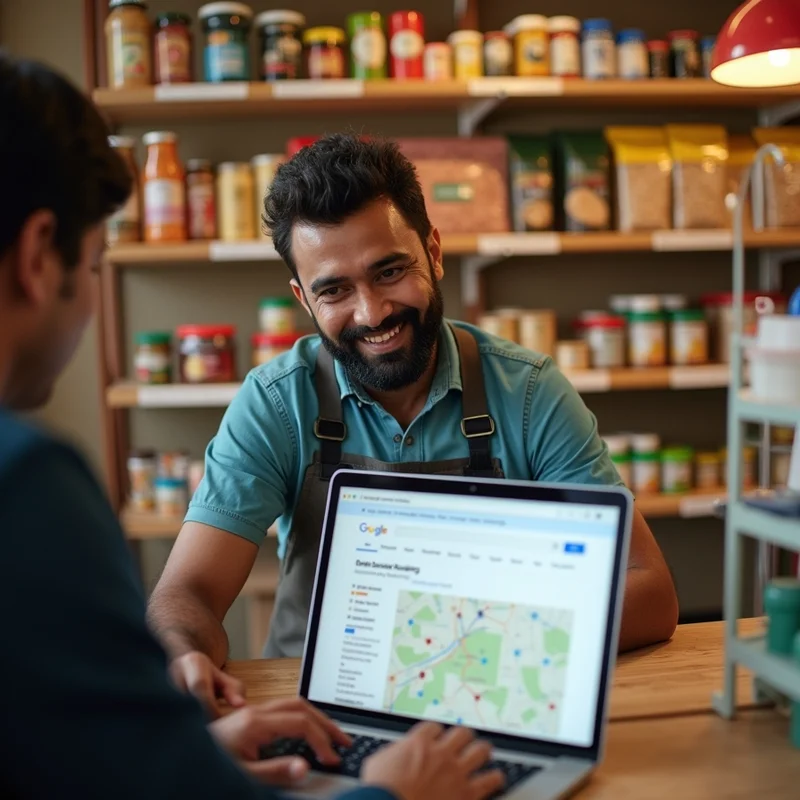
In India, kirana stores are the backbone of local neighborhoods. They provide convenience, credit options, and personal service that large supermarkets cannot match. Yet, even the most loyal neighborhood store can lose customers if it isn’t visible online.
This is the story of Ramesh Kirana, a small store in Pune, and how he used Google Business Listing to increase visibility, attract new customers, and boost sales—all without spending heavily on marketing.
The Challenge
Ramesh Kirana had been running his family store for over 15 years. He was known in his locality and had a base of loyal customers. However, he faced several challenges:
- Competition: New supermarkets and online grocery apps were drawing younger customers.
- Limited Visibility: People moving into the area didn’t know about his store.
- Declining Footfall: Regular customers were busy and often preferred ordering online.
- No Digital Presence: He relied purely on word-of-mouth and didn’t have a website or social media presence.
Ramesh realized that even a neighborhood business needed digital visibility to stay relevant.
The Solution: Optimizing Google Business Listing
Ramesh decided to start simple: claiming and optimizing his Google Business Listing. Here’s what he did step by step:
- Claimed His Listing: Verified the store on Google so he could manage the information.
- Updated Business Details: Added address, phone number, store hours, and accepted payment methods.
- Uploaded Photos: Added pictures of the store exterior, interiors, shelves, and popular products.
- Added Product and Service Details: Mentioned essential groceries, snacks, dairy products, and other items available.
- Enabled Reviews and Replies: Encouraged loyal customers to leave reviews and responded promptly.
- Posted Updates: Added seasonal promotions and discount offers as Google Posts.
This simple setup took just a few hours and cost nothing.
Immediate Results
Within a few weeks, Ramesh noticed significant changes:
- Increased Footfall: New customers found the store while searching “kirana near me” or “grocery store in Pune.”
- Higher Sales: Even small increases in daily sales added up to noticeable revenue.
- Customer Trust: Seeing reviews and updated information made first-time buyers confident.
- Better Engagement: Customers started calling to confirm availability or ask for product details.
Ramesh also linked his Google Listing with LocalShouts (https://www.localshouts.com) to reach even more local shoppers, further increasing visibility and leads.
Why Google Business Listing Works
The success of Ramesh Kirana highlights several key benefits:
1. Visibility in Local Search
People searching for “grocery near me” or “milk delivery Pune” see Ramesh’s store on Google Maps and in search results.
2. Credibility Through Reviews
Positive reviews signal reliability. Customers are more likely to buy from a store with multiple good ratings.
3. Easy Access to Information
Operating hours, address, and contact details make it easy for new customers to visit.
4. Cost-Effective Marketing
Unlike paid ads, maintaining an updated Google Business Listing is free.
5. Increased Engagement
Features like Google Posts and messaging allow businesses to share promotions and respond to queries in real time.
Step-by-Step Guide for Small Businesses
If you want results like Ramesh Kirana, follow these steps:
Step 1: Claim Your Google Listing
Visit Google Business Profile, search for your business, and claim it. Verify via phone, email, or postcard.
Step 2: Complete Your Profile
Add accurate:
- Name, address, and phone number
- Business hours and payment options
- Category (e.g., Kirana Store, Grocery Shop)
- Website and social media links (optional)
Step 3: Add Photos and Videos
Include:
- Storefront
- Interior shelves
- Popular products
- Staff photos (optional)
Step 4: Collect and Respond to Reviews
Ask loyal customers to leave honest reviews. Respond politely to both positive and negative feedback.
Step 5: Use Google Posts
Share:
- Offers and discounts
- New product arrivals
- Holiday or festival promotions
Step 6: Link to LocalShouts
Listing on LocalShouts (https://www.localshouts.com) complements Google Listing, boosting local reach and customer discovery.
Lessons Learned from Ramesh Kirana
- Start Small: You don’t need a website or app immediately. A Google Listing can make a huge difference.
- Consistency Matters: Regularly updating hours, photos, and posts keeps your listing active.
- Customer Engagement is Key: Replying to reviews and questions builds loyalty.
- Combine Online and Offline Efforts: Continue excellent in-store service while improving digital presence.
- Local Discovery Drives Growth: Platforms like Google and LocalShouts ensure new residents can find your business.
The Bigger Picture
Ramesh’s story proves that digital doesn’t have to be complicated or expensive. Even a small kirana store can:
- Compete with larger supermarkets and online grocery apps.
- Increase revenue with minimal cost.
- Build trust and loyalty in the community.
Digital tools like Google Business Listing and LocalShouts (https://www.localshouts.com) create opportunities for small businesses to grow sustainably.
Conclusion
Small businesses in India no longer need to rely only on word-of-mouth. With a simple Google Business Listing, even a neighborhood kirana store can attract new customers, increase sales, and stay competitive.
Ramesh Kirana’s success shows that you don’t need a big team, a fancy website, or a huge marketing budget to grow. Start small, maintain your listing, engage customers, and watch your business flourish.
FAQs
1. How long does it take to see results after updating a Google Listing?
Results can be seen within weeks if your profile is complete and regularly updated.
2. Can I manage a Google Listing myself?
Yes. Google provides easy tools for updating information, posting updates, and replying to reviews.
3. Does my store need a website if I have a Google Listing?
Not immediately. Google Listing itself is often enough for local discovery, but linking a website adds credibility.
4. How can I get more reviews?
Politely ask satisfied customers in-store, via WhatsApp, or on receipts.
5. Is Google Listing free for small businesses?
Yes, claiming and maintaining a Google Business Listing is completely free.
6. How does LocalShouts help with local visibility?
Listing your business on LocalShouts (https://www.localshouts.com) allows nearby customers to discover your store and contact you directly, complementing your Google Listing.