Introduction
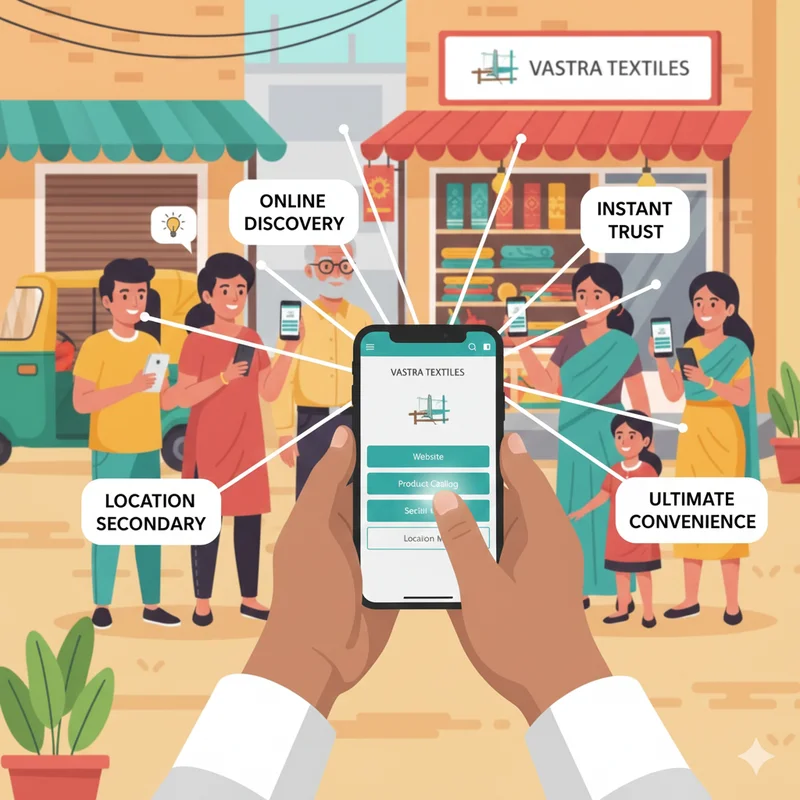
For small and micro businesses in India, having a digital presence is no longer optional—it is essential. Customers today search for everything online, from the nearest chai shop to beauty salons, clinics, gyms, tuition classes, and repair services. One of the easiest ways to be discovered is through a Google Business Profile (GBP). But beyond just being visible, Google also allows businesses to take action directly from the search results—like adding a booking button.
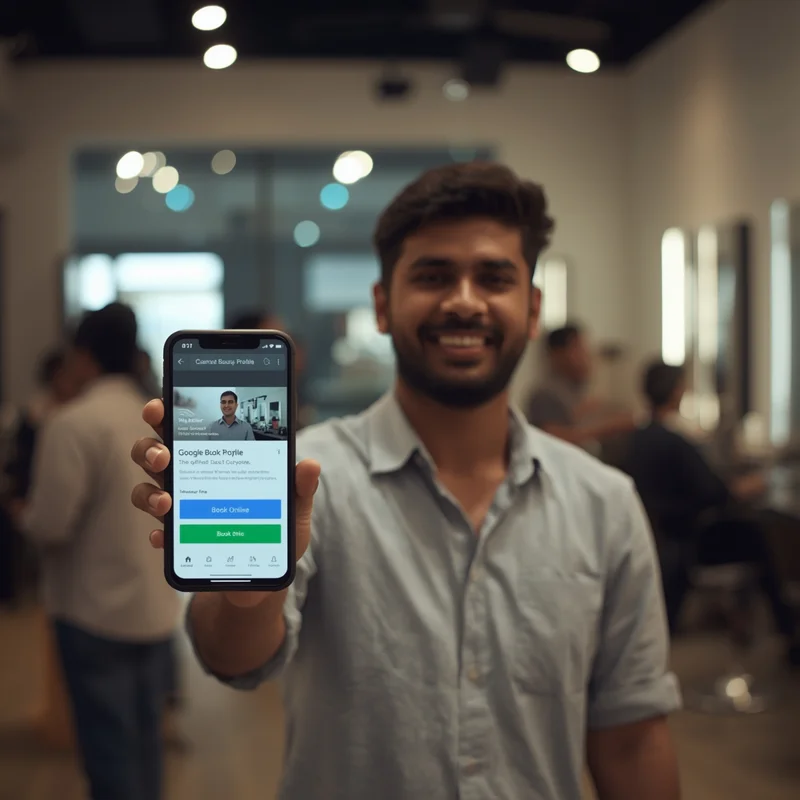
A booking button enables customers to book an appointment, reserve a table, or schedule a service without calling or visiting the business physically. For small businesses, this simple feature can dramatically improve customer convenience, save time, and increase sales. Platforms like LocalShouts (https://www.localshouts.com) also encourage small businesses to embrace these free yet powerful digital tools to stand out in their local markets.
In this article, we’ll cover everything you need to know about adding a booking button to your Google Business Profile, its benefits, step-by-step setup, and smart tips to make the most of it.
Why Adding a Booking Button Matters for Small Businesses
Small businesses in India face tough competition, often from bigger brands and even from nearby local shops. The booking button gives you an edge because it makes customer interaction smooth and quick. Instead of losing a customer to confusion or delays, you allow them to take immediate action.
Here’s why it matters:
- Convenience for customers: No long calls, no waiting. Customers can book instantly.
- Increased trust: A business with professional booking options looks more reliable.
- Reduced no-shows: Automated reminders often come with booking tools.
- More business opportunities: You capture impulse decisions—someone searching “salon near me” may book on the spot.
- Better time management: Businesses can manage appointments in an organized way.
Whether you run a salon in Pune, a clinic in Delhi, or a café in Jaipur, adding this button makes your profile more action-driven.
Who Can Use the Booking Button on Google Business?
Not all businesses have the option available, but many local businesses in India are eligible. Some examples include:
- Salons, spas, and beauty parlors
- Restaurants, cafés, and bakeries
- Clinics, doctors, and healthcare providers
- Fitness centers, yoga studios, and gyms
- Local service providers like electricians, plumbers, tutors, or photographers
If your business falls under a category that allows reservations or appointments, you are more likely to see the option.
Step-by-Step Guide to Add a Booking Button to Google Business
Adding a booking button to your Google Business Profile is simple but requires some setup. Here’s the step-by-step process:
Step 1: Sign in to Google Business Profile Manager.
- Go to Google Business Profile and sign in with the account linked to your business.
Step 2: Check for “Bookings” Option
- On the left-hand menu (or under “Edit profile”), look for the Bookings section. If it is available for your category, you’ll see it.
Step 3: Select a Booking Provider
Google partners with several third-party booking platforms. Some commonly available in India include:
- Dunzo
- Booksy
- Zomato (for restaurants)
- Fresha (for salons)
- Other region-specific booking providers
Select the partner most relevant to your business.
Step 4: Connect Your Account
- You may need to sign up with the booking partner if you haven’t already. Once linked, Google will automatically add a “Book Online” or “Reserve” button to your profile.
Step 5: Monitor and Manage Bookings
- Once active, you can track appointments or reservations directly through the booking partner’s dashboard. Some providers also sync with Google Calendar.
Tips to Make the Most of the Booking Button
- Simply adding the button isn’t enough—you should optimize it for best results.
Update Your Business Profile Regularly
- Make sure your working hours, services, and contact details are up to date.
Highlight the Feature on Social Media
- Tell customers on WhatsApp, Facebook, and Instagram that they can now book directly from Google.
Offer Discounts or Perks
- Encourage bookings through Google by offering small perks like “10% off when you book online.”
Respond Quickly
- If your booking partner allows confirmations, respond quickly to keep customers happy.
Use LocalShouts for Visibility
- Platforms like LocalShouts (https://www.localshouts.com) help you promote your business in your local area. Combining a Google booking button with a strong local presence increases your chances of attracting new customers.
Benefits of Using the Google Booking Button for Small Businesses in India
For micro and small businesses, every customer counts. The booking button can transform the way you interact with them.
- Saves time: Reduces back-and-forth calls.
- Professional image: Customers see you as a modern, digitally active business.
- Increased revenue: Easier booking means more customers.
- Better customer experience: A smooth booking process keeps customers loyal.
- Integration with LocalShouts: When combined with visibility platforms like LocalShouts (https://www.localshouts.com), it creates a holistic local marketing strategy.
Common Challenges and How to Solve Them
Not Seeing the Booking Option
- This may be because your business category is not eligible. Double-check your category in Google Business Profile settings.
Booking Partner Charges
- Some booking platforms charge fees. Explore free or affordable options suited for small businesses.
Low Customer Awareness
- Educate your customers—display a poster in your shop or tell them during visits.
Technical Issues
- Ensure your business name and details are consistent across Google, your booking partner, and social media.
Conclusion
The digital world is shaping how small businesses in India grow. A simple Google Business booking button can be a game-changer, helping you attract new customers, manage time better, and improve overall trust. With increasing smartphone use and online search habits, local businesses that adopt such tools stay ahead of their competition.
When combined with platforms like LocalShouts (https://www.localshouts.com), you can maximize both visibility and customer convenience—ensuring your small business not only survives but thrives in today’s digital-first economy.
FAQs
Is the booking button on Google free for all businesses?
- The feature itself is free, but some booking partners may charge service fees. Always check their pricing before linking.
How long does it take for the booking button to appear on my Google profile?
- Once you link a booking partner, it usually appears within a few days.
Can I remove the booking button later if I don’t need it?
- Yes, you can unlink the booking partner anytime from your Google Business settings.
My business doesn’t show the “Bookings” option. What should I do?
- This usually means your business category isn’t eligible. Consider changing your category to something more relevant, like “Salon” or “Clinic.”
Do I need a website to enable the booking button?
- No, you don’t. The booking feature works independently, but having a website strengthens your online presence.
Can customers still call me if I add a booking button?
- Yes, the booking button doesn’t replace your phone number—it just adds another way to reach you.