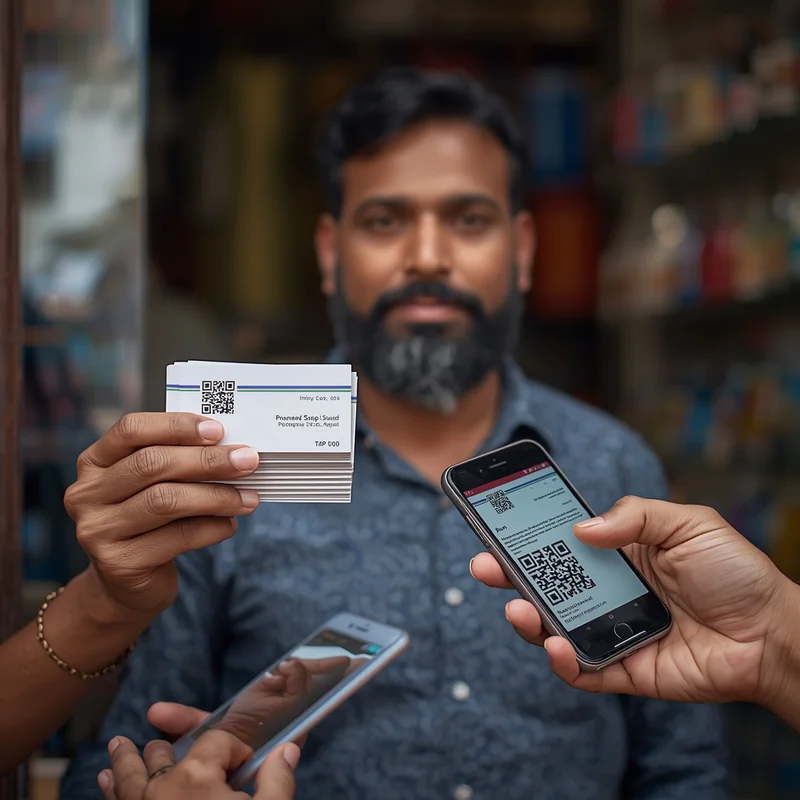
Even in the digital era, business cards remain a powerful marketing tool for small businesses. A well-designed card can make a lasting impression, encourage referrals, and drive customers directly to your website or online profile.
For Indian small and micro-businesses, linking your business card to your digital presence—like your website, Google Business Profile, or LocalShouts (https://www.localshouts.com) listing—ensures that offline marketing efforts translate into measurable online engagement.
In this guide, we’ll cover why business cards matter, how to design them effectively, and how to make sure they work seamlessly with your website and online platforms.
Why Business Cards Still Matter
Despite social media, messaging apps, and email, business cards remain relevant:
- First Impressions Count: A neat card looks professional and trustworthy.
- Easy to Share: Customers can hand your card to friends and family, spreading word-of-mouth.
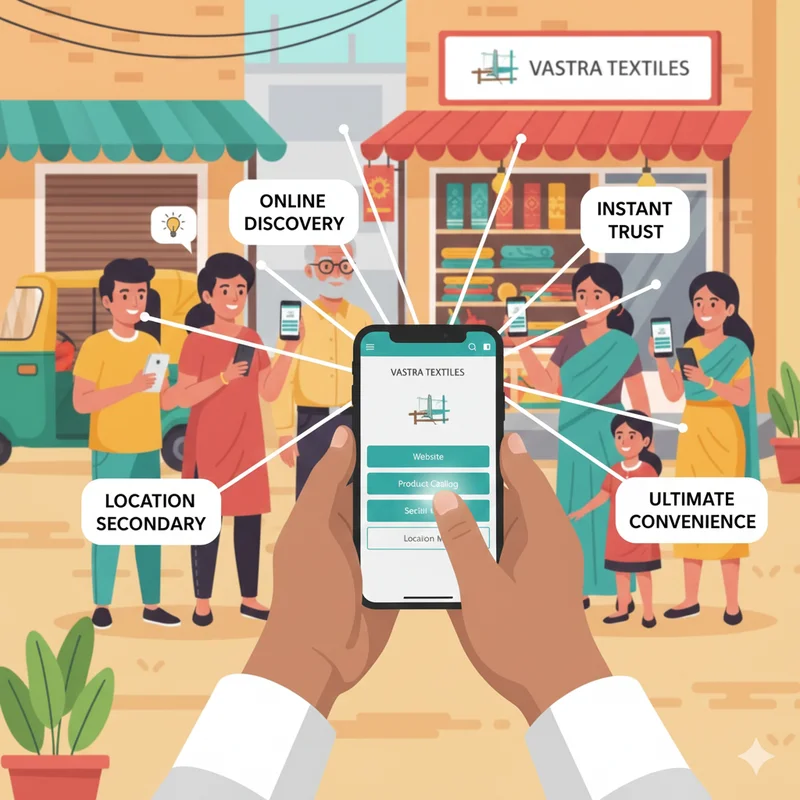
- Offline Meets Online: A card with website links or QR codes bridges offline interactions with digital engagement.
- Affordable Marketing Tool: Printing hundreds of cards costs less than most ads.
Even if someone doesn’t visit your shop immediately, a card keeps your business top-of-mind.
Elements of an Effective Business Card
To make your card work for your website and digital presence, include these essential elements:
1. Business Name and Logo
Your business name should be prominent and easy to read.
- Use your logo consistently—the same colors and fonts as your website.
- This ensures brand recognition across offline and online channels.
2. Website URL
- Include your website address clearly.
- Keep it short and easy to type.
- If your website is listed on LocalShouts (https://www.localshouts.com), consider adding that too.
3. QR Code
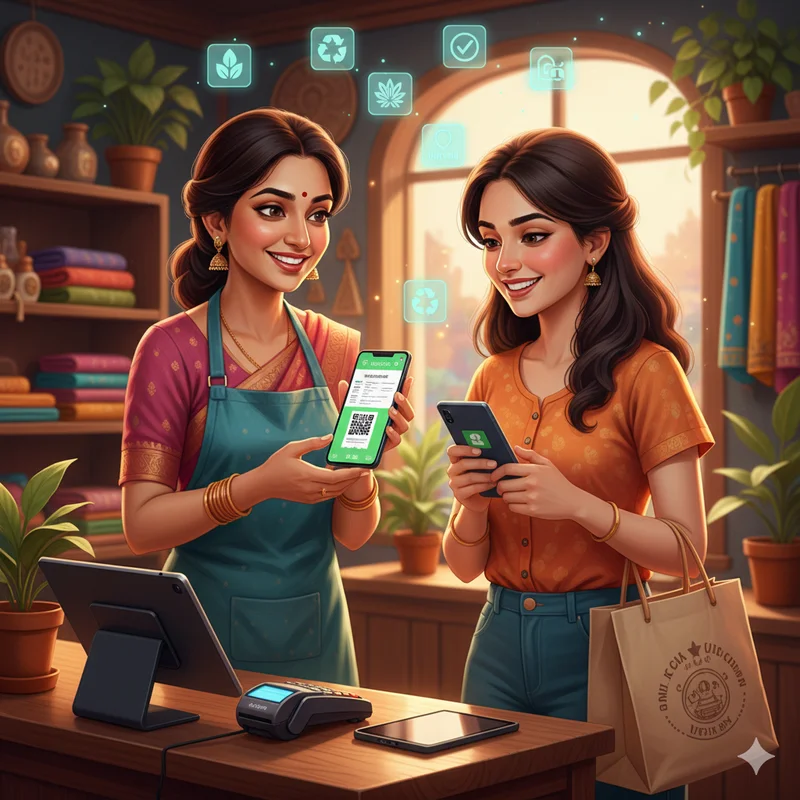
- Add a QR code that links directly to your website, WhatsApp, or online catalog.
- QR codes make it easy for customers to visit your site instantly with a smartphone.
4. Contact Information
- Phone number, email, and physical address if applicable.
- Make sure these details match what’s on your website.
5. Tagline or Key Message
- A short phrase that communicates what your business does or what makes it special.
- Example: “Freshly Baked Daily” for a bakery, or “Affordable Style for Everyone” for a boutique.
6. Social Media Handles
- Include icons for Facebook, Instagram, or WhatsApp if you actively use them.
- Encourage customers to connect online.
Designing Your Business Card
1. Size and Layout
- Standard size: 3.5 x 2 inches (easy to fit in wallets or cardholders).
- Choose a clean layout with ample white space—avoid clutter.
- Use a grid layout to align text, logo, and QR code neatly.
2. Colors
- Match your website’s colors for brand consistency.
- Use high-contrast text so that names and URLs are readable.
3. Fonts
- Use the same font as your logo or website.
- Avoid using more than two fonts to maintain professionalism.
4. Material and Finish
- Matte finish: Professional, easy to write on for notes.
- Glossy finish: Eye-catching, vibrant colors.
- Thick cardstock gives a premium feel.
How to Link Your Card to Your Website Effectively
1. Direct Website Links
- Always include the exact website URL to avoid confusion.
- Example: www.freshbakes.com rather than a long, complicated URL.
2. QR Codes for Instant Access
- Generate QR codes for your homepage, product catalog, or booking page.
- Test the QR code on multiple devices before printing.
3. Landing Pages for Promotions
- Consider creating a special landing page for business card users.
- Example: www.freshbakes.com/card-offer—include a small discount or special offer.
4. Track Engagement
- Use URL shorteners with analytics (like bit.ly) to see how many people visit via the card.
- This helps measure the effectiveness of your offline-to-online strategy.
Tips for Maximizing Business Card Impact
- Hand Out Personally: Give cards when meeting customers, at markets, or events.
- Bundle with Purchases: Include cards in shopping bags or packaging.
- Include a call to action: “Scan to see our new collection” or “Visit our website for discounts.”
- Keep Them Updated: Ensure URLs, phone numbers, and QR codes are current.
- Encourage Sharing: Ask satisfied customers to give your card to friends and family.
Integrating Business Cards with Online Platforms
Business cards work best when integrated with your online presence:
- LocalShouts (https://www.localshouts.com): Include your listing URL or QR code to help locals find your business quickly.
- Google Business Profile: Link your card to your profile to encourage reviews and directions.
- Social Media: QR codes can lead customers to Instagram or Facebook pages to increase engagement.
- WhatsApp Business: QR codes can start direct conversations, inquiries, or orders.
By connecting offline marketing to digital platforms, you create a seamless experience for customers and increase your chances of converting interest into sales.
Common Mistakes to Avoid
- Cluttered Design: Too many elements make the card confusing.
- Tiny Fonts: Make sure text is readable without straining the eyes.
- Broken Links or QR Codes: Always double-check URLs and QR functionality.
- Ignoring Brand Consistency: Colors, fonts, and logos must match your website.
- Not Including a Call-to-Action: Without a prompt, people may just store the card without visiting your website.
Conclusion
Business cards remain an affordable, effective, and professional tool for small businesses in India. When designed thoughtfully and connected to your website or digital presence, they become more than just a contact detail—they’re a bridge between offline and online marketing.
By including your logo, website URL, QR code, and a clear message, you ensure that every card handed out can drive traffic, build trust, and increase customer engagement. Platforms like LocalShouts (https://www.localshouts.com) make this integration even more powerful by helping locals discover your shop online instantly.
Remember, a business card is a mini-promotion in your customer’s pocket—make it count.
FAQs
1. Can a small shop benefit from business cards in the digital era?
Yes. Cards remain useful for local recognition, referrals, and linking offline interactions to your online presence.
2. Should I include a QR code on my card?
Absolutely. QR codes make it easy for customers to visit your website or social media instantly.
3. How many business cards should I print initially?
Start with 250–500 cards and adjust based on demand.
4. Can I design a business card myself?
Yes. Tools like Canva allow you to create professional cards without a designer.
5. Should my business card match my website design?
Yes. Matching colors, fonts, and logos ensures brand consistency and recognition.
6. Can I include special offers on the card?
Yes. Use a landing page or QR code to provide discounts or promotions for cardholders.