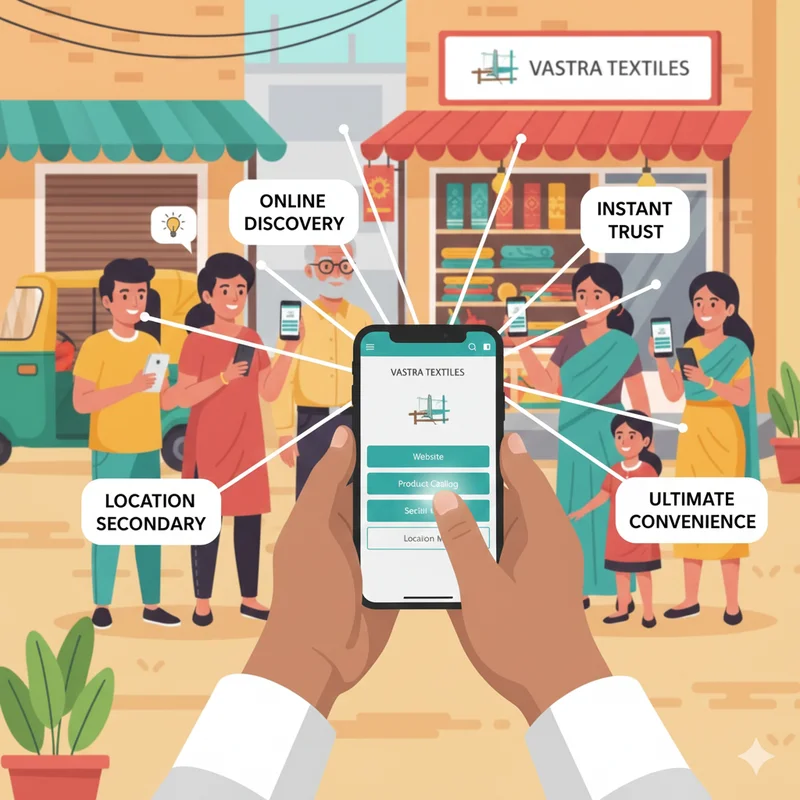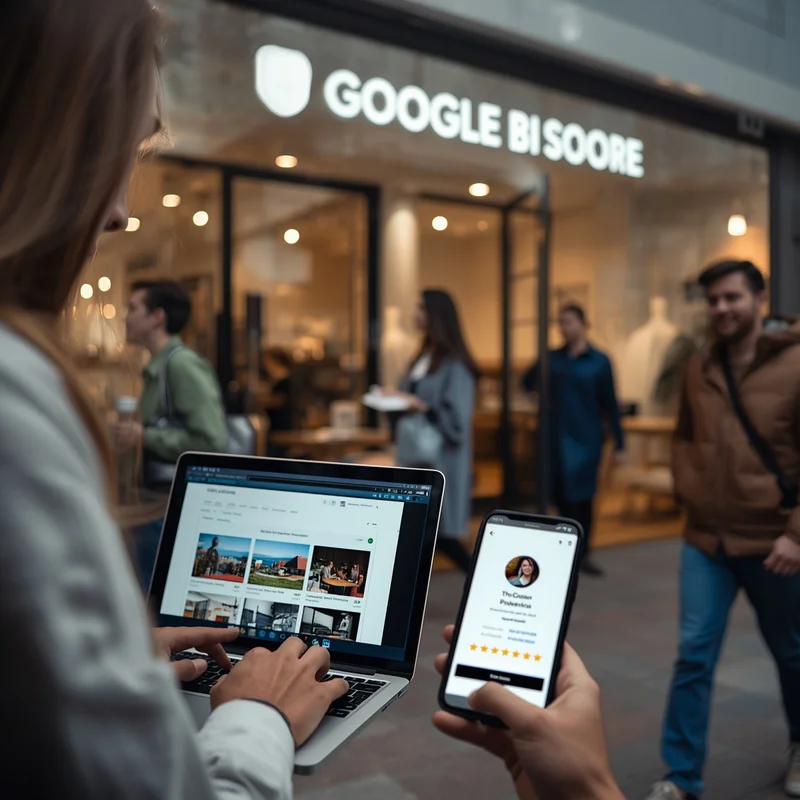
In today’s digital-first world, small and micro businesses cannot afford to stay invisible online. Whether you run a local bakery, a coaching center, a boutique, or a repair shop, your potential customers are searching for you on Google every day. The simplest and most effective way to appear in those searches is by creating and optimizing your Google Business Profile (formerly Google My Business). A well-optimized profile helps you show up in Google Search, Google Maps, and the Local 3-Pack—the top results people see when they search for businesses near them.
If you want your business to stand out in a competitive market, this guide will walk you through everything you need to know about optimizing your Google Business Profile for maximum visibility. And if you are looking for extra help, platforms like LocalShouts (https://www.localshouts.com) are here to support you with local marketing solutions.
Why Optimizing Your Google Business Profile Matters
Many business owners create a profile but leave it incomplete or outdated. That is a missed opportunity. An optimized Google Business Profile helps you:
- Appear in local searches for relevant products and services.
- Build trust with customers through reviews, photos, and verified information.
- Drive more calls, visits, and inquiries.
- Compete with bigger brands at a fraction of the cost.
Think of it as your digital shopfront. The more complete and appealing it is, the more likely customers are to click, call, or visit.
Step 1: Claim and Verify Your Business Profile
If you haven’t already claimed your business on Google, that’s your first step. Go to Google Business Profile Manager and search for your business name. If it appears, claim it. If not, create a new profile. Verification is essential to prove you own the business. Google usually verifies by postcard, phone, or email. A verified business profile ranks better and gives you full control over the information shown to customers.
Step 2: Complete Every Section of Your Profile
Google rewards completeness. Fill out all relevant sections, including
- Business Name: Use your real-world business name (avoid keyword stuffing).
- Business Category: Choose the most accurate category (e.g., “Bakery,” “Digital Marketing Agency”).
- Address & Service Area: Provide an exact address if customers visit you. For service businesses, specify your service area.
- Business Hours: Add working hours and keep them updated for holidays.
- Phone Number & Website: Use a local number and link to your website.
- Attributes: Highlight features like “Wheelchair accessible,” “Delivery available,” or “Women-led.”
Completing these details helps customers make faster decisions and builds trust.
Step 3: Use High-Quality Photos and Videos
Images make a big difference in how customers perceive your business. Add:
- Logo and Cover Photo: For brand recognition.
- Interior and Exterior Photos: So customers can identify your location.
- Team Photos: To create a human connection.
- Product and Service Images: Show what you offer.
- Short Videos: Walkthroughs, behind-the-scenes, or customer testimonials.
Businesses with photos receive more clicks and directions requests. Make sure images are well-lit and updated regularly.
Step 4: Write a Compelling Business Description
Your business description is where you tell your story. Focus on:
- Who you are
- What you offer
- What makes you unique?
- The locality you serve
Keep it clear, keyword-rich (but natural), and customer-focused. Example: “We are a family-run bakery in Pune’s Kothrud area, serving fresh cakes, pastries, and snacks since 2010. Known for custom birthday cakes and same-day delivery.”
Step 5: Post Regular Updates
Google allows you to share updates just like social media. Use posts to:
- Announce offers or discounts.
- Share new product launches.
- Highlight events or workshops.
- Publish tips and guides.
Fresh content signals to Google that your profile is active, improving your chances of ranking higher. LocalShouts (https://www.localshouts.com) can also help promote these updates across multiple channels for more reach.
Step 6: Collect and Respond to Reviews
Reviews are one of the strongest ranking factors. Encourage happy customers to leave reviews and respond to each one—even the negative ones. When replying, thank the customer, address their concern, and show that you care about improving. This not only improves trust but also signals engagement to Google.
Step 7: Add Products and Services
If you sell products or services, list them in your profile. Include names, descriptions, and prices if possible. This makes it easier for customers to find what they need and encourages them to contact you.
Step 8: Use Keywords Strategically
Incorporate relevant local keywords naturally into your profile description, posts, and Q&A section. For example, if you are a dentist in Gurgaon, use phrases like “best dentist in Gurgaon” or “dental clinic near me.” Avoid keyword stuffing, as it can harm your credibility.
Step 9: Enable Messaging
Allow customers to message you directly through Google Search and Maps. This feature helps you capture leads instantly. Ensure someone on your team is available to respond promptly.
Step 10: Track Insights and Performance
Google provides insights on how customers find you—search terms, calls, website visits, and direction requests. Use these insights to refine your strategy. If most people find you through Maps, focus on local keywords. If your calls are dropping, consider updating your offers.
Step 11: Keep Everything Up to Date
Business hours, phone numbers, and services change over time. Keeping your profile updated ensures customers don’t face wrong information, which could cost you business.
How LocalShouts Can Help Your Business Grow
While Google Business Profile is powerful, many small businesses struggle with regular updates, content creation, and review management. This is where LocalShouts (https://www.localshouts.com) can be a game-changer. It helps you showcase your business to local audiences, share updates, and stay consistent with your online presence. This kind of support is crucial if you are too busy running your day-to-day operations.
Conclusion
An optimized Google Business Profile is one of the most cost-effective ways for small and micro businesses to boost visibility, attract new customers, and compete with bigger players. By following these steps—from verification to reviews and regular updates—you can stay ahead in local search results. Combine this with platforms like LocalShouts (https://www.localshouts.com) for a stronger local marketing strategy and watch your business grow.
FAQs
Is a Google Business Profile free to use?
- Yes, creating and managing a Google Business Profile is completely free. You only need a Google account to get started.
How often should I update my Google Business Profile?
- At least once a week is ideal. Regular updates keep your profile active and signal to Google that your business is engaged with customers.
Do I need a website if I have a Google Business Profile?
- While not mandatory, having a website builds more trust and gives customers more information. Your profile can link directly to your website.
How can I get more reviews on my profile?
- Politely ask happy customers after a purchase or service. Share your review link via WhatsApp or SMS for convenience.
Can I list multiple locations under one Google Business Profile?
- Yes, if your business has multiple branches, you can add them under one account. Each location will have its own profile.
How long does it take to see results after optimization?
- Most businesses notice improvements within 4-8 weeks, depending on competition and search demand in their area.