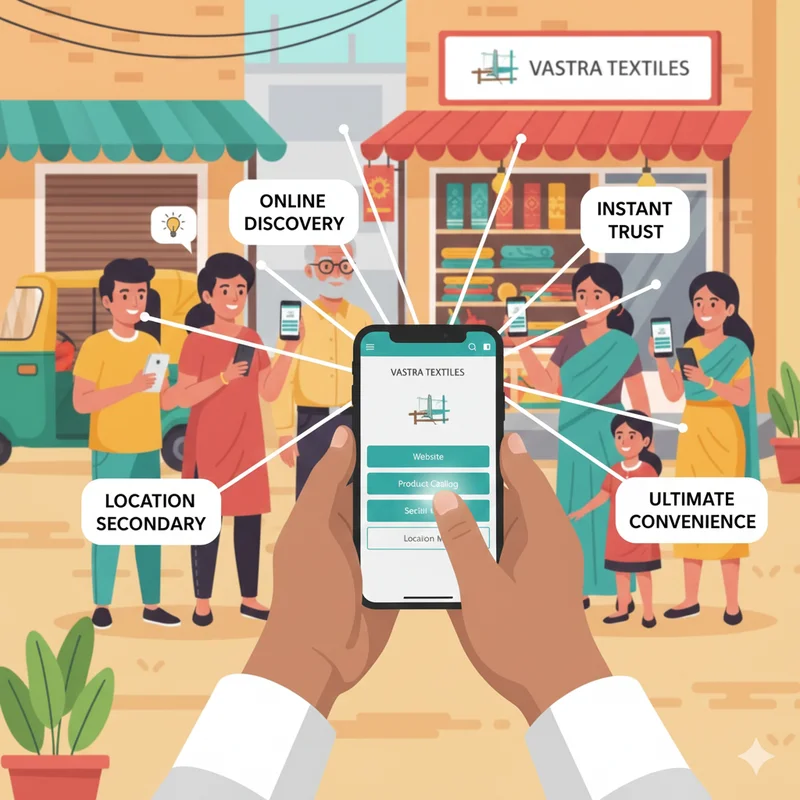
For small and micro businesses in India, WhatsApp has become more than just a messaging app—it’s now a full-fledged business tool. With over 500 million users in India, WhatsApp is the most widely used communication platform in the country. Customers prefer it for its simplicity and speed, making it an ideal channel for businesses to connect, promote, and sell.
But how do you use WhatsApp effectively for business promotion without spamming your customers? The answer lies in using WhatsApp Business, building a professional presence, and creating a strategy that balances promotion with customer value.
In this guide, we’ll walk you through everything you need to know about promoting your business on WhatsApp, from setting up your profile to advanced marketing tactics. Platforms like LocalShouts (https://www.localshouts.com) already help small businesses get discovered online, and WhatsApp takes it a step further by letting you engage customers directly.
Why WhatsApp Is Powerful for Business Promotion
Small businesses have unique needs: limited marketing budgets, local audiences, and a need for fast, personal communication. Here’s why WhatsApp is perfect:
- Direct Reach: Messages land right in your customer’s personal chat window—no inbox clutter.
- High Engagement: Open rates are as high as 90%, far better than email or SMS.
- Trust Factor: Customers feel comfortable chatting on WhatsApp and asking questions.
- Easy Media Sharing: Photos, videos, price lists, and catalogs can be shared instantly.
- Quick Feedback: You can respond to inquiries, confirm orders, and solve issues in real-time.
When combined with a discovery platform like LocalShouts (https://www.localshouts.com), WhatsApp helps turn casual visitors into paying customers.
Step 1: Set Up WhatsApp Business App
Start by downloading the WhatsApp Business app from the Play Store or App Store.
Key Setup Steps:
Register with Your Business Number
- Preferably use a separate number for business.
Create a Complete Business Profile:
- Business name
- Logo or professional profile photo
- Address and business hours
- Website or LocalShouts profile link
Write a Professional About Section
- Briefly describe what you offer (e.g., “Handmade cakes delivered in Gurgaon”).
This profile acts as your digital business card, so make it clear and professional.
Step 2: Build a Contact List (Ethically)
Unlike Facebook or Instagram, WhatsApp requires you to have customer phone numbers before messaging them.
How to Build Your List:
- Ask walk-in customers if they’d like updates on WhatsApp.
- Add a WhatsApp link on your LocalShouts (https://www.localshouts.com) profile or website.
- Include a WhatsApp QR code on your shop counter, invoices, or product packaging.
- Run a small campaign on social media inviting people to “Join our WhatsApp list for exclusive offers.”
Always get consent before adding people to your list to avoid being marked as spam.
Step 3: Use WhatsApp Catalog Feature
The Catalog feature is a game-changer for small businesses. It lets you display your products or services directly within WhatsApp.
Benefits of Catalogs:
- Customers can browse without leaving the chat.
- Saves you from sending product photos one by one.
- Makes your business look more professional.
Tips for Effective Catalogs:
- Use clear, high-quality images.
- Write short, precise descriptions with price information.
- Keep your catalog updated—remove out-of-stock items.
Step 4: Create Broadcast Lists for Promotions
Instead of sending messages one by one, use broadcast lists to reach many customers at once.
How Broadcast Lists Work:
- Create groups of customers interested in similar products (e.g., “Cake Lovers,” “Fitness Equipment Buyers”).
- Send new arrivals, discounts, or event updates in a single click.
- Only people who saved your number will receive the message (encourage customers to save your contact).
Broadcast lists are better than groups because they keep conversations private and prevent spammy group chatter.
Step 5: Automate with Quick Replies and Away Messages
Responding instantly can be hard when you’re busy running your business. WhatsApp Business offers automation tools:
- Away Messages: Inform customers if you’re closed and when you’ll reply.
- Quick Replies: Save frequently used messages like “Thank you for contacting us!” or “Our business hours are 10 AM to 8 PM.”
- Greeting Messages: Welcome new customers who message you for the first time.
Automation saves time while keeping communication professional.
Step 6: Share Engaging Content
WhatsApp is not just for order confirmations—it’s also for storytelling and building relationships.
Content Ideas for WhatsApp Promotion:
- Product launches with a teaser image.
- Limited-time offers or discounts.
- Customer testimonials with photos (with permission).
- Behind-the-scenes videos (baking, packing, setup).
- Useful tips related to your business (e.g., a florist sharing plant care tips).
Keep your messages short and valuable. Avoid over-promoting, as customers may mute or block spammy accounts.
Step 7: Drive Traffic from Social Media and Local Listings
Use your other platforms to bring customers to WhatsApp:
- Add a “Click to Chat” link on your Instagram bio or Facebook page.
- Mention WhatsApp contact details in LocalShouts (https://www.localshouts.com) business listings.
- Add WhatsApp buttons on your website or email signature.
This creates a seamless way for customers to move from browsing to direct conversation.
Step 8: Use WhatsApp Status for Free Promotion
WhatsApp Status is like Instagram Stories—it stays up for 24 hours and is a powerful free marketing tool.
What to Post on Status:
- New arrivals
- Flash sales
- Event reminders
- Behind-the-scenes clips
- Customer shout-outs
Post regularly but not excessively (1–3 updates per day is ideal).
Step 9: Experiment with WhatsApp Ads
Facebook and Instagram allow you to run Click-to-WhatsApp Ads—perfect for driving direct conversations.
Benefits:
- Customers skip the website and message you directly.
- Great for lead generation.
- Works even with a small budget.
This is especially effective for service businesses like salons, real estate agents, and tuition classes.
Best Practices for WhatsApp Business Promotion
- Respect Privacy: Don’t add people without permission.
- Be Consistent: Send regular but not excessive updates.
- Be Professional: Use polite language and avoid slang in business messages.
- Track Responses: See what kind of content drives replies or sales.
- Offer Value: Promotions work best when combined with useful information or exclusive benefits.
Conclusion
WhatsApp is no longer just a chatting app—it’s a complete business growth tool. By setting up a professional WhatsApp Business profile, using catalogs, creating broadcast lists, and sharing engaging content, you can build stronger relationships with customers and grow sales steadily.
When combined with an online presence on discovery platforms like LocalShouts (https://www.localshouts.com), WhatsApp ensures that people not only find your business but also connect with you instantly. For India’s small and micro businesses, this is a cost-effective, highly personal way to promote and scale.
FAQs
1. Is WhatsApp Business free to use?
Yes, the WhatsApp Business app is free. You only pay for data or internet usage.
2. How many customers can I message at once?
A broadcast list can send messages to up to 256 recipients at a time. You can create multiple lists for different customer segments.
3. Can I use the same number for personal and business WhatsApp?
No, you need a separate number for WhatsApp Business. It’s best to keep personal and business communication separate.
4. What is the difference between a WhatsApp Group and a Broadcast List?
Groups allow everyone to see and reply publicly, while broadcast lists send private messages to each recipient individually.
5. Can I automate my WhatsApp marketing?
Yes, you can use quick replies, greeting messages, and away messages built into WhatsApp Business. For advanced automation, consider WhatsApp API solutions.
6. How often should I send promotional messages?
Once or twice a week is enough. Focus on quality updates and avoid spamming customers with daily promotions.