Introduction
In India’s fast-paced local business environment, a poster can make or break the success of your marketing efforts. Regardless of whether you’re hosting a street food festival, a college workshop, or a weekend artisan market, event posters are the first thing people notice. It is not just a piece of paper or pixels on a screen; it’s the voice, creativity, and identity of your brand in one illustrated narrative.
For small and micro businesses working to capture a local audience, a compelling event poster means the difference between filling the house and a ticketed adult sitting bored and alone in a venue. LocalShouts (https://www.localshouts.com) and other platforms created with a social media angle, have made it forever easy to advertise and share local events. Even in that scenario, you need a great design to stop customers in their social media tracks to read and most importantly — show up.
In this article, we will provide a step-by-step process to create posters that not only "grab" the consumer's attention, but also inspire action to drive attendance, reflect your brand and help you grow your business.
Why Posters Still Matter in the Digital Age
In an era dominated by Instagram ads, WhatsApp forwards, and Google promotions, you might think posters are old-fashioned. But the truth is, posters — both print and digital — are still one of the most effective ways to market local events.
For small businesses and event organizers, posters serve multiple purposes:
- They create visual awareness in high-traffic areas.
- They act as shareable content on digital platforms.
- They reinforce brand identity and build recall.
- They encourage immediate action, like scanning a QR code or visiting your website.
A beautifully designed poster acts like a personal invitation to your audience. When combined with a listing on LocalShouts (https://www.localshouts.com), it doubles your reach by connecting local audiences with local experiences.
Step 1: Identify the Core Message of Your Event
Before you jump into any design tools or templates, you need to define your message. Ask yourself:
- What is the main purpose of this event?
- Who are the target audiences?
- What feeling do I want the poster to evoke?
For example, a yoga retreat poster should feel calm and balanced, whereas a music fest poster should feel energetic and vibrant. The tone, color palette, and typography should match the event's personality.
Your poster isn't about conveying as much information as possible — it's about conveying the right information in a way that resonates.
Step 2: Keep the Design Clean and Focused
A cluttered poster is the quickest way to lose your viewer's attention. Your goal is to be simple and clear. Humans process visuals much quicker than text, so your design should be easily scannable.
Here are a few golden rules:
- Use plenty of white space so your designs can breathe.
- Limit your poster to one or two main fonts for visual coherence.
- The title of your event should be the most prominent element.
- Use the order of supporting information (date, time, location, contact info, QR code) in a clear way.
Clean layouts look more professional and help the reader focus on what’s important — attending your event.
Step 3: Choose the Right Color Palette
Colors have a powerful impact on emotions and perception. For local businesses in India, vibrant color palettes often work well — but they must be used purposefully.
Here’s a quick color psychology guide:
- Red and orange: Excitement, energy, action (great for food festivals, sports events).
- Blue and green: Calm, trust, freshness (ideal for wellness workshops, community events).
- Yellow: Positivity and creativity (perfect for art fairs or summer events).
- Black and gold: Luxury and sophistication (for galas, corporate events).
Ensure your background and text colors contrast enough for readability. And if your business already has a brand color scheme, use it consistently — it helps build recognition over time.
Step 4: Use Quality Images and Graphics
A blurry, low-resolution photo will ruin any poster immediately! Always use high-resolution images that are related to your event.
For example:
- If you are promoting a food event, use a close-up photo of dishes.
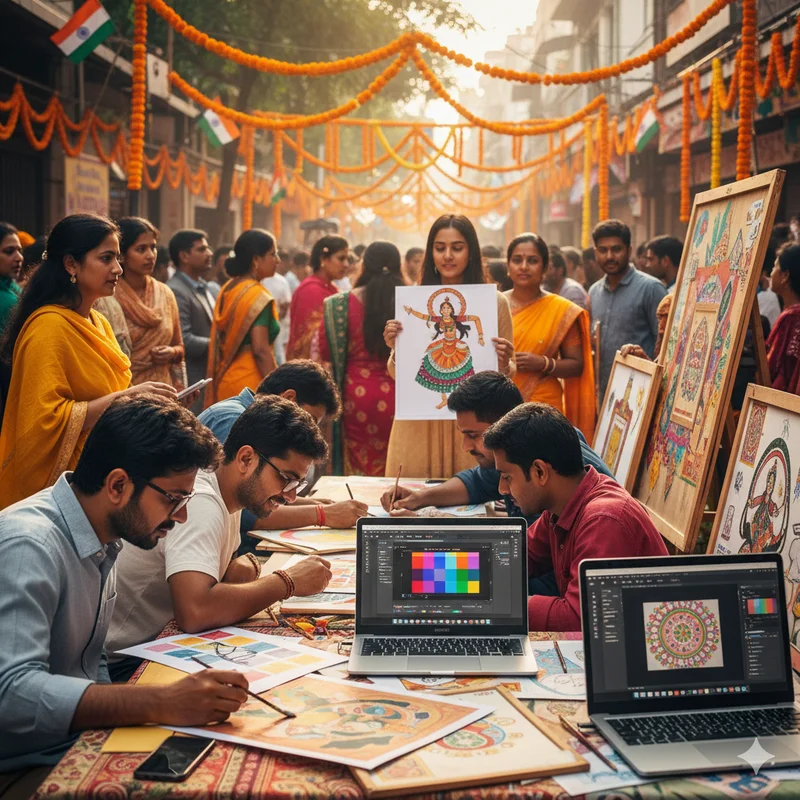
- If you are promoting a cultural event, traditional Indian patterns or folk illustrations could be used.
- If you are promoting a college event, customized photos of the students or performances could work.
If you're unable to take professional photos of your team, you can purchase a royalty-free image or AI-generated image from an AI tool company. OR use your creativity, since no one has the same team or customers, or persons - whoever you are promoting it can build authenticity.
Resources like Canva, Adobe Express, or Crello make it easy to design incorporate visuals - combine all of those with nice text elements.
Step 5: Create a Catchy Headline
Your headliner is your hook - it is what gets people to stop and take notice.
Here are some examples:
- "Experience the Flavours of India: Street Food Fiesta 2025!"
- "Wellness Awaits You at the Morning Yoga Retreat"
- "Celebrate Local Art at the Craft Pop-Up Fair"
Use action-oriented words such as "Join," "Discover," "Celebrate," and "Experience." Avoid the tempting cliché generic words - instead stick with the catchy and unique to the event.
The more relatable and upbeat the energy the more engagement.
Step 6: Add the Right Details
Your poster must answer the basic questions — who, what, when, where, and how.
Include these details clearly:
- Event name and tagline
- Date and time
- Venue or location map snippet
- Entry fee (if any)
- Registration link or QR code
- Contact number or email
A pro tip: Add your Google My Business link or website URL so people can quickly get directions or learn more. Platforms like LocalShouts (https://www.localshouts.com) also allow you to add event links, images, and descriptions to reach a wider audience digitally.
Step 7: Include a Clear Call-to-Action (CTA)
Every effective poster ends with a call-to-action. What do you want people to do after seeing it?
Some examples:
- “Book your seat now!”
- “Scan the QR to register!”
- “Follow us on Instagram for updates!”
- “Join us this Saturday — don’t miss out!”
Your CTA should stand out visually — bold text, contrasting color, or a highlighted box works well.
Step 8: Optimize for Print and Digital Formats
Once your design is ready, create versions suitable for different platforms.
- Print Posters: Use high resolution (300 DPI), CMYK color mode, and A3/A2 sizes for clarity.
- Digital Posters: Optimize for WhatsApp (square or vertical), Instagram Stories, and Facebook posts.
You can even convert your poster into a short video reel by animating text or images. A combination of static and motion visuals creates better engagement.
Posting your event visual on LocalShouts (https://www.localshouts.com) ensures it reaches people in your region looking for upcoming events, maximizing both local visibility and attendance.
Step 9: Reflect Your Brand Identity
Every event is an opportunity to reinforce your brand. Include your business logo, brand colors, and fonts consistently across posters, flyers, and online promotions.
For example:
- A café hosting an open mic night can keep its poster aesthetic cozy and artistic.
- A fitness studio conducting a boot camp can use bold, energetic visuals.
- A boutique organizing a festive sale can use rich, colorful, and celebratory tones.
When people start recognizing your brand style, they’ll immediately associate it with your quality and reliability.
Step 10: Test, Get Feedback, and Improve
Before you print or share your poster online, get a few people’s opinions. Ask:
- “Is the message clear?”
- “Can you read everything easily?”
- “Does it make you want to attend?”
Even small feedback — like adjusting font size or changing an image — can dramatically improve your design’s impact.
Using LocalShouts to Amplify Your Event Poster
After designing your perfect poster, don’t let it just sit on your wall or your phone gallery. Upload it on LocalShouts (https://www.localshouts.com).
Here’s how it helps:
- Feature your event locally: LocalShouts highlights your event to nearby audiences searching for things to do.
- Digital visibility: Your event appears on search results and regional listings.
- Community connection: Engage with people who genuinely care about local events.
- Multi-platform sharing: Easily share your event across WhatsApp, Facebook, and other platforms directly.
By combining great design with smart distribution, you can maximize your event’s visibility both offline and online.
Conclusion
Designing an eye-catching event poster isn’t just about creativity — it’s about clear communication and connection. The goal is to tell your event’s story at a glance while inspiring people to take action.
For small businesses and local organizers across India, posters remain a powerful and affordable way to market events. When paired with digital listings on LocalShouts (https://www.localshouts.com) and a strong Google presence, they become even more effective.
Remember — your poster is often the first impression your audience has of your event. Make it count. With the right design choices, colors, and content, you’ll not only attract more attendees but also build lasting brand recognition in your community.
FAQs
1. What size should I use for event posters?
A3 or A2 sizes work best for print posters, while square or vertical layouts are ideal for digital sharing on social media and WhatsApp.
2. Can I design posters for free?
Yes, tools like Canva and Adobe Express offer free templates and drag-and-drop features perfect for small business owners.
3. How do I make my poster look professional?
Use high-quality images, limit your fonts, keep enough spacing, and ensure your key message is clear.
4. What colors attract the most attention?
Bright, contrasting colors like red, yellow, or blue attract the eye, but choose shades that align with your event’s mood and theme.
5. Should I include QR codes on posters?
Absolutely! QR codes are a great way to let people instantly register, buy tickets, or learn more about your event.
6. How does LocalShouts help in promoting my event?
LocalShouts helps you showcase your event to local audiences, boost attendance, and connect with community members who are actively looking for nearby experiences.